

How administrators view and manage customer billing
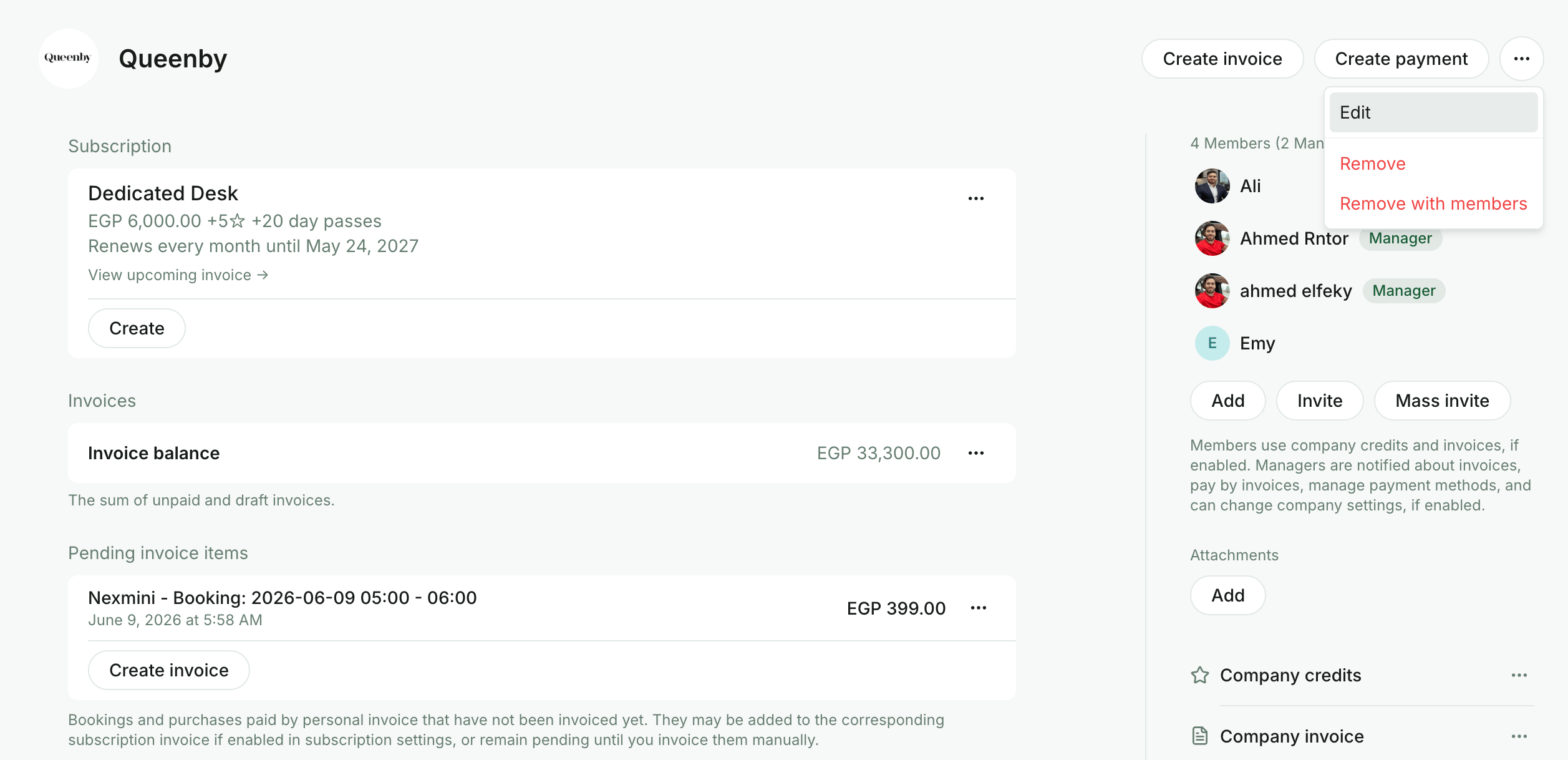
To view and manage a customer’s billing data and settings, administrators go to Customers > open the user or company profile.- For companies, click (…) in the top right >
Editto update the company name, logo, and contact details.
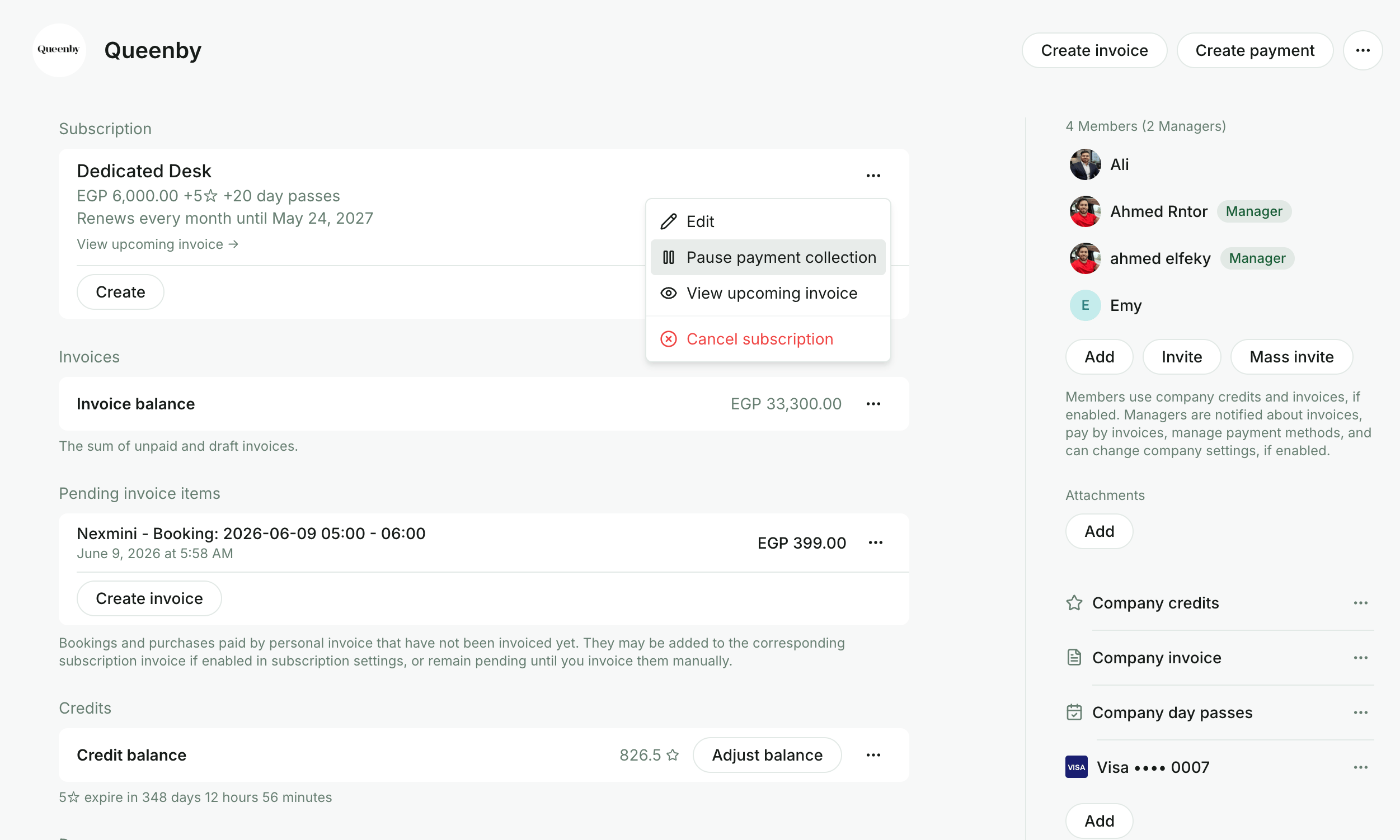
- Open the customer’s subscription to:
- Edit it based on the new contract terms.
- Pause payment collection for the customer.
- View the upcoming invoice.
- Go to the customer’s profile to:
- Manage the “Pay with invoice” setting via the company-invoice payment method and its permissions (including the None option to disable a specific service entirely).
- Manage the customer’s invoices and view transactions.
- Download invoices and receipts.
- Manage pending invoice items.
- View the customer’s payment methods and check whether they have a default one.
- Open the customer’s payment history in Stripe via the View in Stripe button (available when the Stripe integrationis connected).
- View or update the customer’s billing details.
- For companies, manage the billing email to send company invoices and receipts to an additional recipient apart from the company managers.
- Manage the Auto-pay setting.
- Enable and apply an alternative currency for this customer.
How company managers view and manage their company billing
Company managers go to Locations > Membership > the section with their company name > Billing. On this page, they can:- View and pay company invoices.
- View transactions made with company payment methods.
- Download invoices and receipts.
- View their company’s money balance.
- Check their current subscription details.
- Check their upcoming invoice.
- Add a payment method, save it as default, change the default payment method, or delete a payment method.
- Manage company payment method permissions for company cards, company invoice, credits, and day passes.
- Manage company billing details.
- Manage the company billing email to send invoices and receipts to an additional recipient apart from the company managers.
How individual users view and manage their billing
Individual users go to Locations > Membership > Billing under the “Personal” section. On this page, they can:- View and pay their invoices, and view transactions.
- Download invoices and receipts.
- View their money balance.
- Check their current subscription details.
- Check their upcoming invoice.
- Add a payment method, save as default, change the default payment method, or delete a payment method.
- Manage their billing details.