

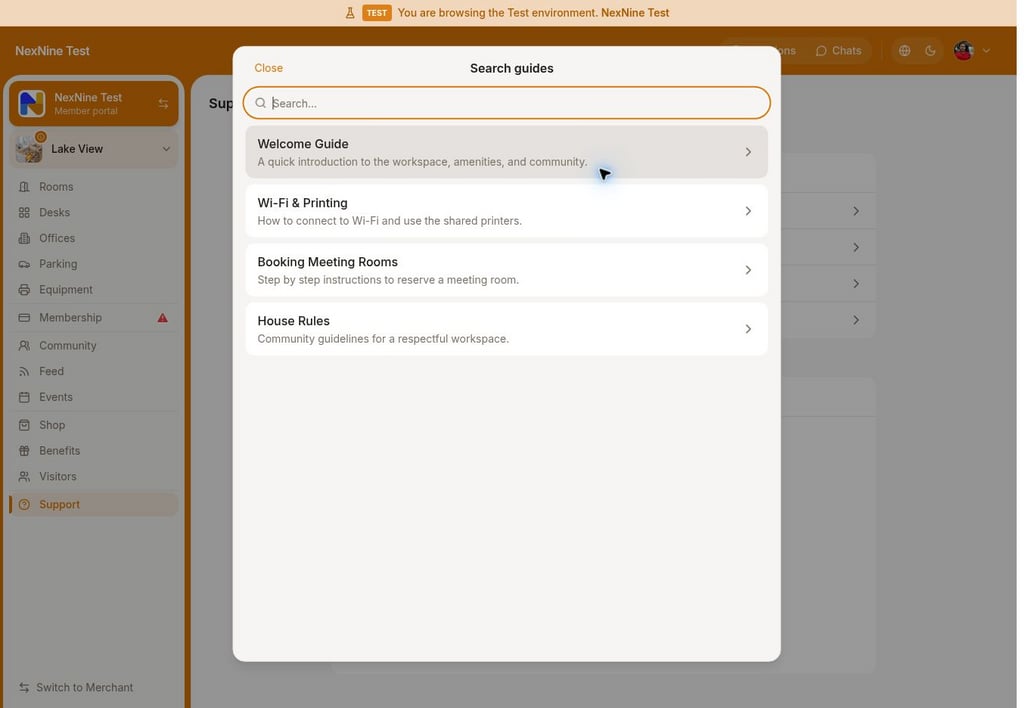
Search guides
If there are guides created in the location and users are eligible to see them according to the guides’ Visibility settings, users can see the Guides section at the top of the Support page.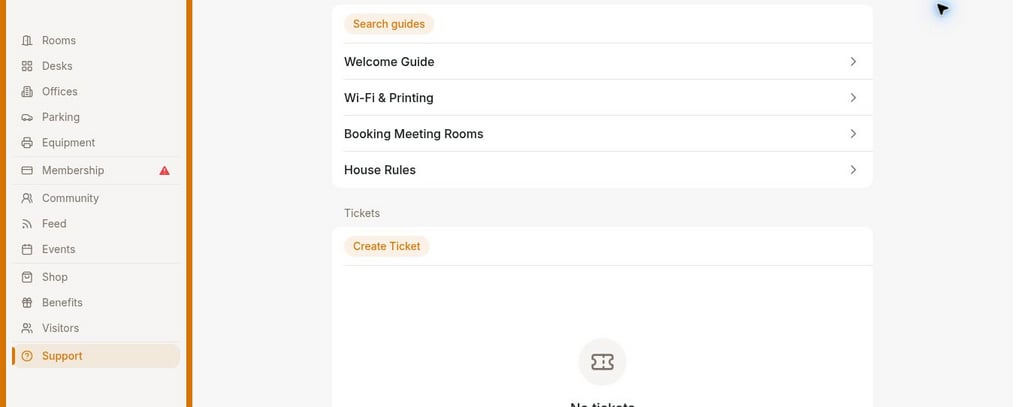
Create support ticket
The Tickets section on the Support page includes the Create ticket button and a list of previously created support tickets by or for this user.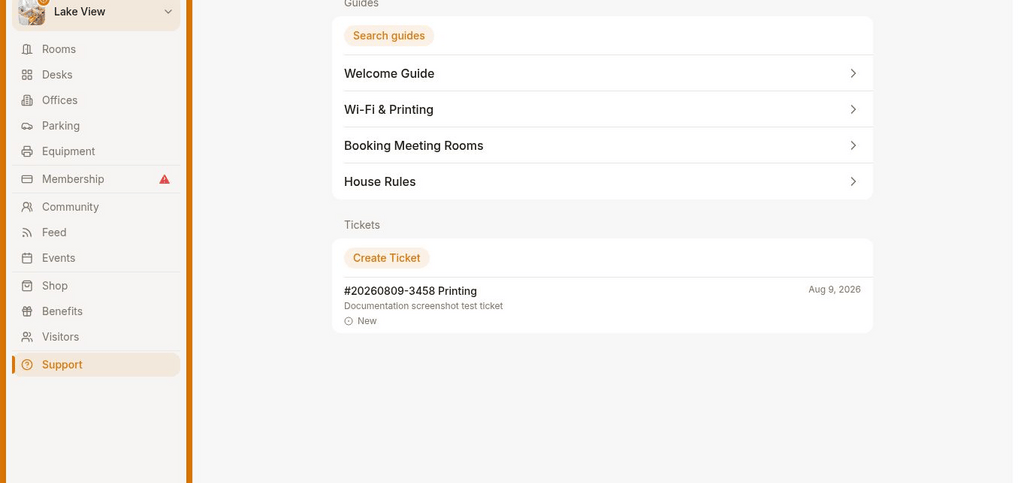
- To create a ticket, users tap Create ticket button and fill in the ticket details:
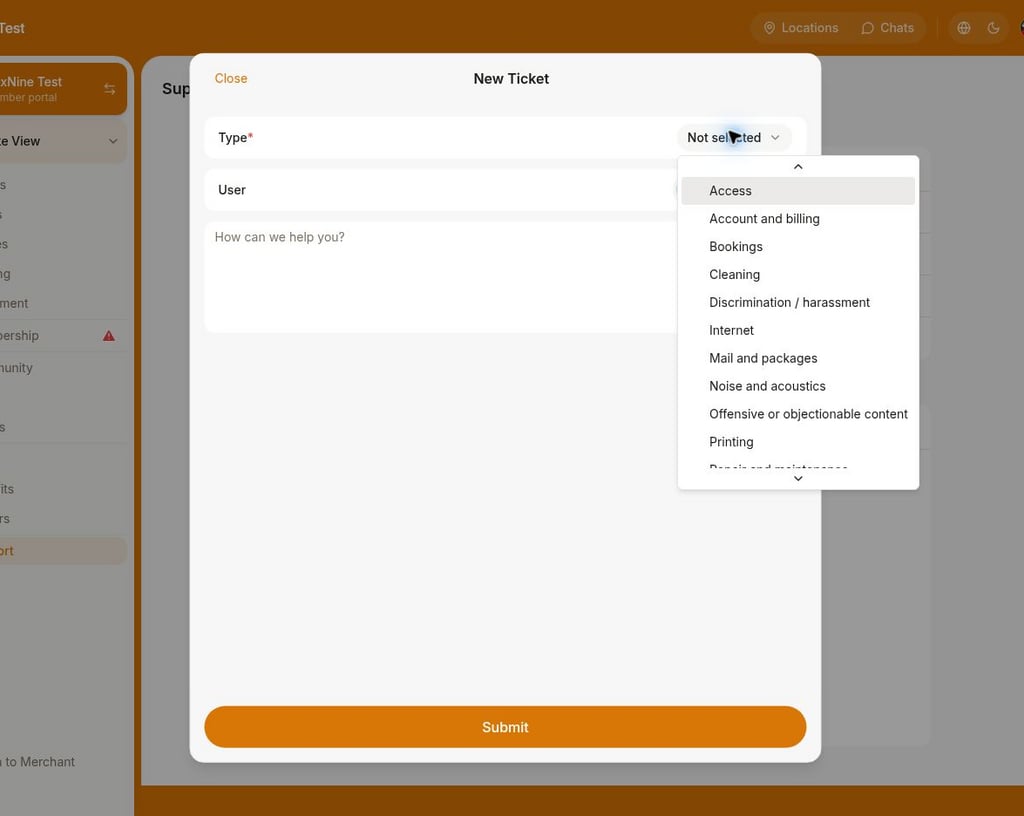
- Type — indicates what the requester’s question or issue is related to.
- User — visible only to administrators and allows to select the user for whom they want to submit a ticket.
- Description — any valuable details to describe the question or issue.
- Press Submit.
- After creating the support ticket, users can attach photos, videos, or files in the ticket comments if needed.
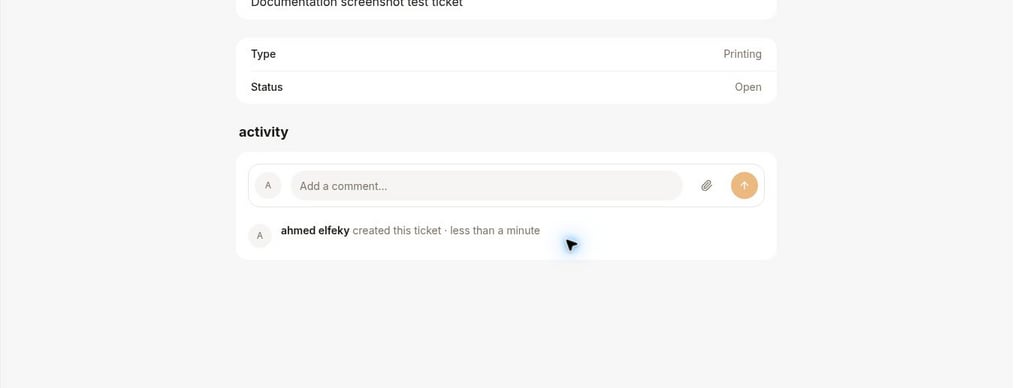
- Administrators receive a notification about a new ticket and manage it. Users get notifications about the comments or updates to their ticket.