

Who is a nonmember
A nonmember is a customer at your location who is not part of the regular community and only occasionally interacts with the space. Nonmembers are also any former members who were removed from Customers. They do not have the same access to facilities, services, and benefits as members. A nonmember has the same profile structure as a member — invoices, payment methods, money balance, credits, day passes, internal notes, billing details, and an activity timeline — but lives under the Nonmembers filter on the Customers page.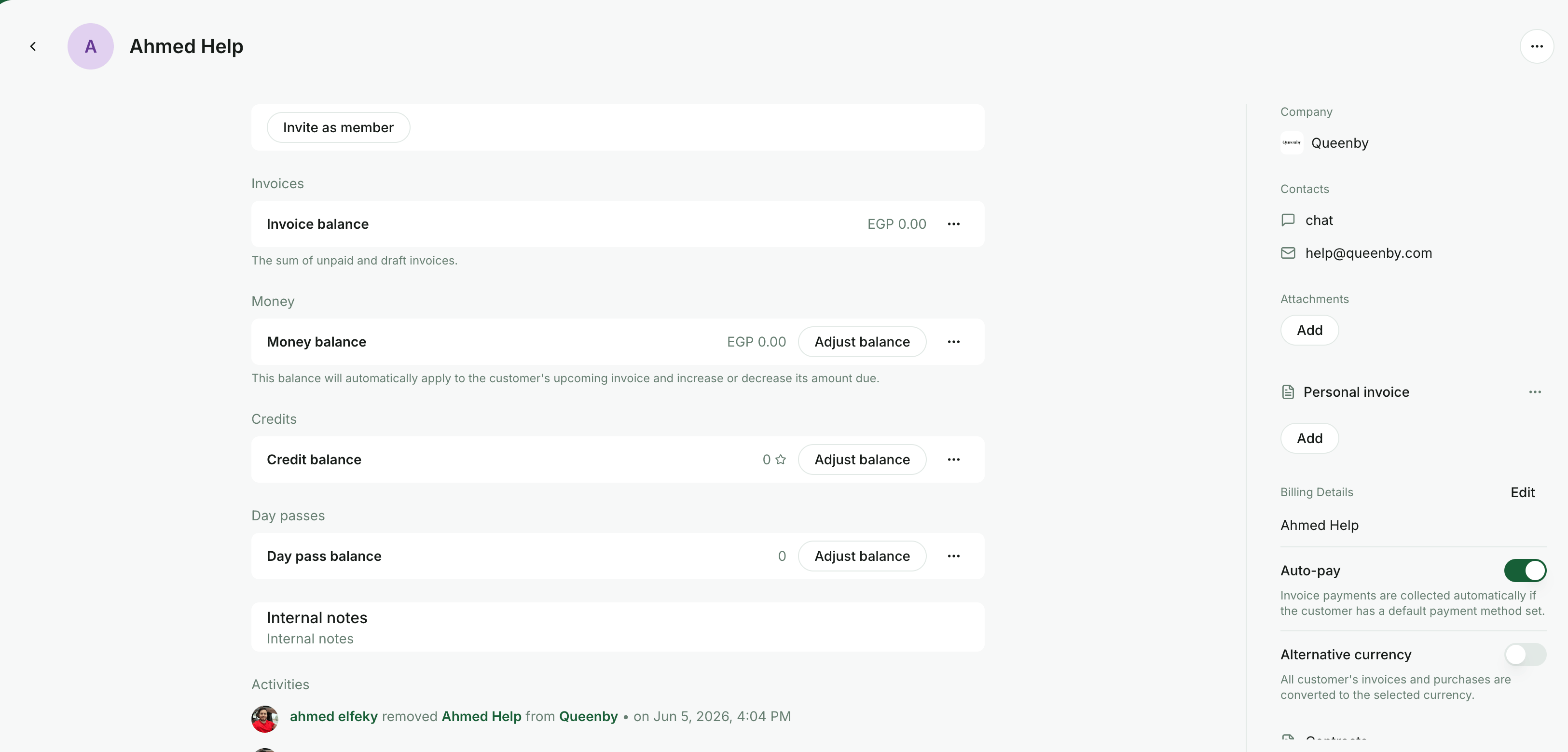
Screenshot placeholder — replace with the latest RNTOR nonmember profile screenshot.
- Creating a paid or free booking on the Rooms, Desks, Parking, or Offices pages
- Submitting a successful payment
- Ordering a product on the Shop
- Joining an event
A user who only starts a payment, booking, or order — but does not complete it — does not become a nonmember.
Add a nonmember
Administrators can add a nonmember manually to issue them an invoice or book on their behalf.From the Customers page
Use this flow when you need to issue an invoice to a nonmember for something other than a booking.- Go to the Customers page in the location.
- Press the menu (
...) in the top right and select Add nonmember.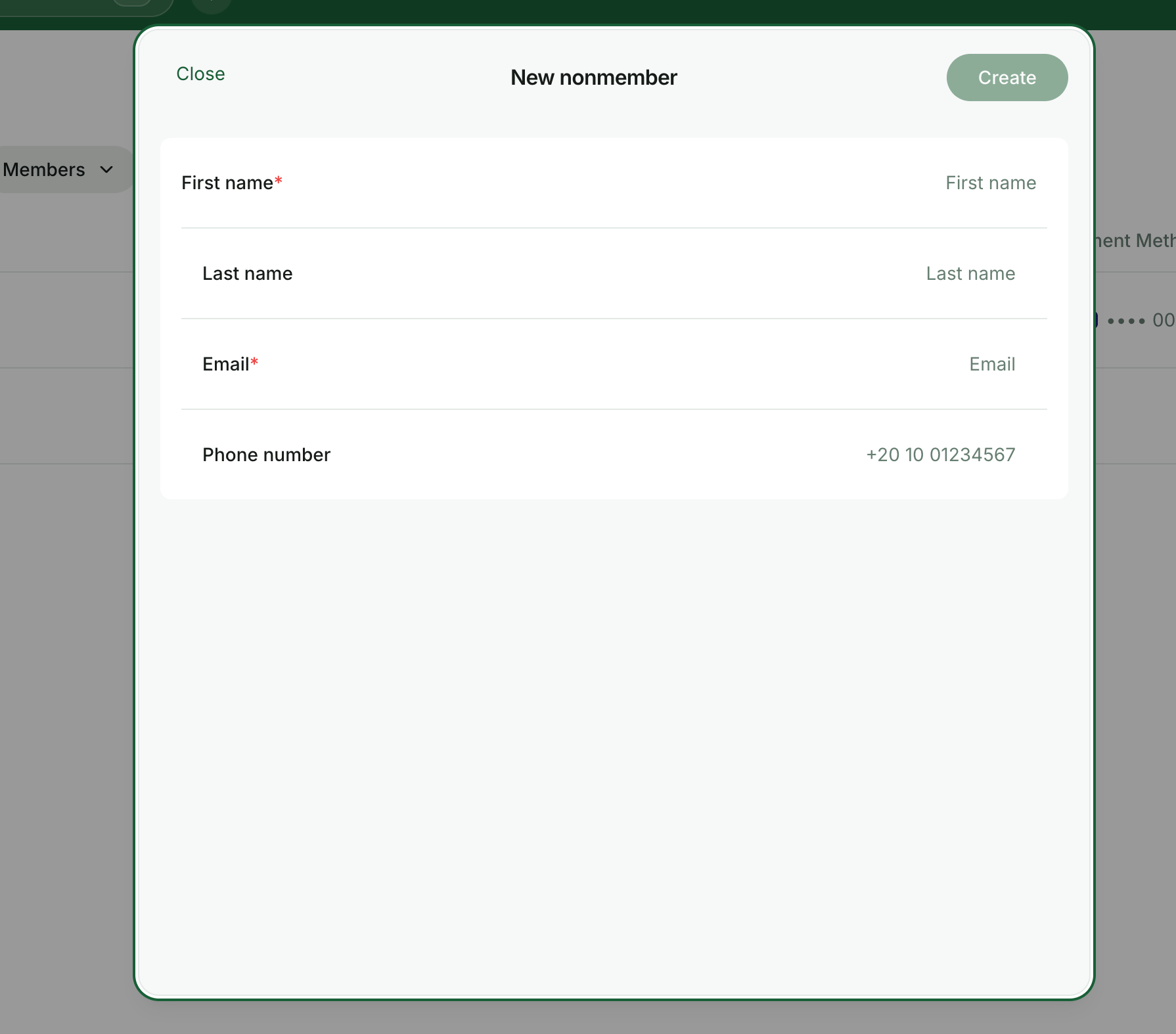
- Fill in the customer’s first name, last name, email, and phone number (optional).
- Press
Done. The profile is created and listed under the Nonmembers filter on the Customers page.
- Open their profile and go to the Billing tab.
- Create and issue a one-off invoice.
- The customer receives the invoice by email and can pay it online.
From the Contacts page
When walk-ins leave their contact details through the Reception flow, you can add them as a nonmember in one step instead of re-entering their information.- Go to Service → Visitors → Contacts.
- Open the contact to see their details.
- Press Add as a nonmember. A nonmember profile is created from the contact.
- To book on their behalf, go to Resources and select them in the Booker field.
- To issue an invoice, open their new nonmember profile and go to Billing.
From booking creation
If you need to make a booking for a brand-new person, you can create the nonmember directly from the booking sheet:- Go to Resources → Rooms, Desks, Parking, or Offices and select the resource the nonmember wants to book.
- In the Booker dropdown, scroll to the bottom and pick the New nonmember option.
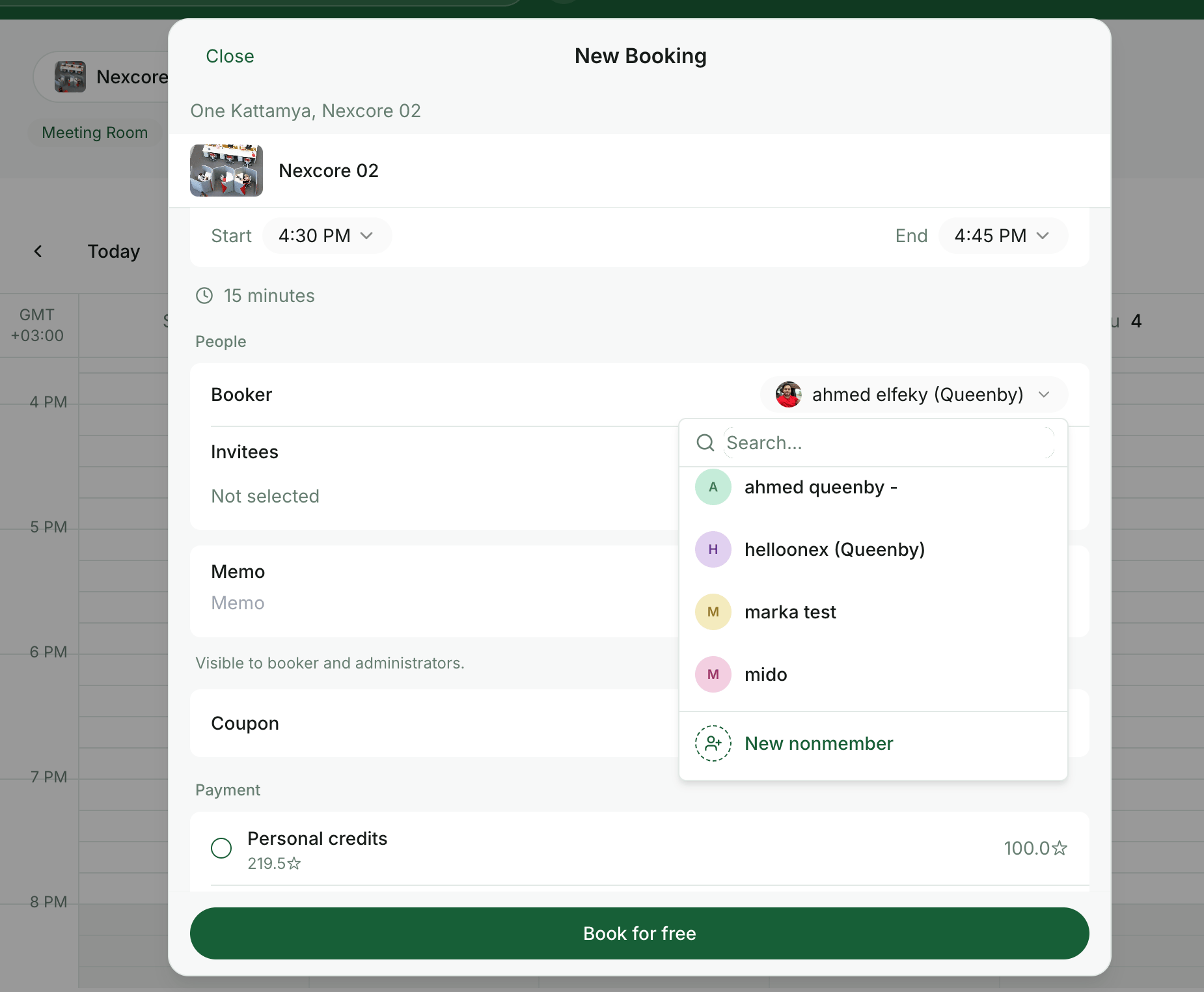
- Enter the customer’s first name, last name, email, and phone number (optional), then press
Create. A nonmember profile is created and selected as the booker automatically. - Finish the booking as usual. To charge the customer, issue an invoice from their profile’s Billing tab.
What a nonmember can do
- View and interact with pages and content marked as Public (or visible to Network members if they are a member at another location)
- Receive and pay invoices
- Sign up for plans
- View their invoices and payments
- Add and edit their billing details
Each location has its own list of nonmembers.
Manage nonmembers
To find nonmembers, go to the Customers page and switch the filter at the top to Nonmembers.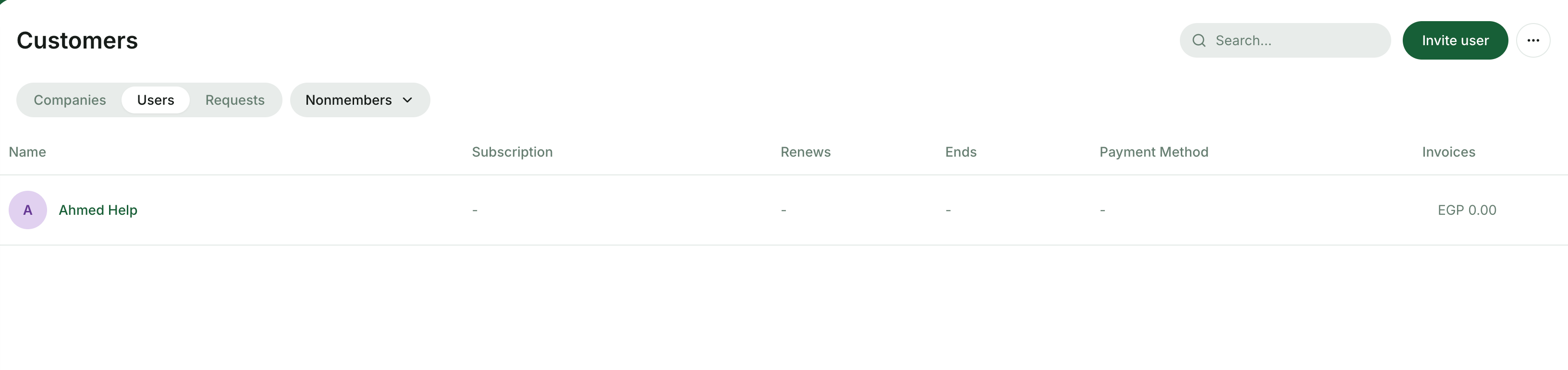
- Remove the nonmember from the Customers page menu (
...) — see Remove users. - Restore access as a member by inviting the user again from the Customers page; their profile and history are preserved.
- Manage their billing information — payment methods, money balance, credits, day passes, and billing details — from the Billing tab.
FAQ
Can I add a nonmember if I don't have their email address?
Can I add a nonmember if I don't have their email address?
No. An email address is required to add a nonmember in RNTOR. The email is the unique identifier for the user account and is used to send invoices, receipts, and the login one-time code.
Can I create a nonmember directly from the booking sheet?
Can I create a nonmember directly from the booking sheet?
Yes. Open the Booker dropdown in any booking sheet and pick New nonmember at the bottom of the list. Fill in the customer’s details and the nonmember profile is created and selected as the booker in one step.
Does a nonmember get a separate profile in each location?
Does a nonmember get a separate profile in each location?
Yes. A person can be a member at one location and a nonmember at another. Each location has its own list of nonmembers and its own profile data (balances, invoices, notes).