

Connect RNTOR in Claude
1. Open the RNTOR connector
Open RNTOR in the Claude connector directory, or search for RNTOR under Settings → Connectors.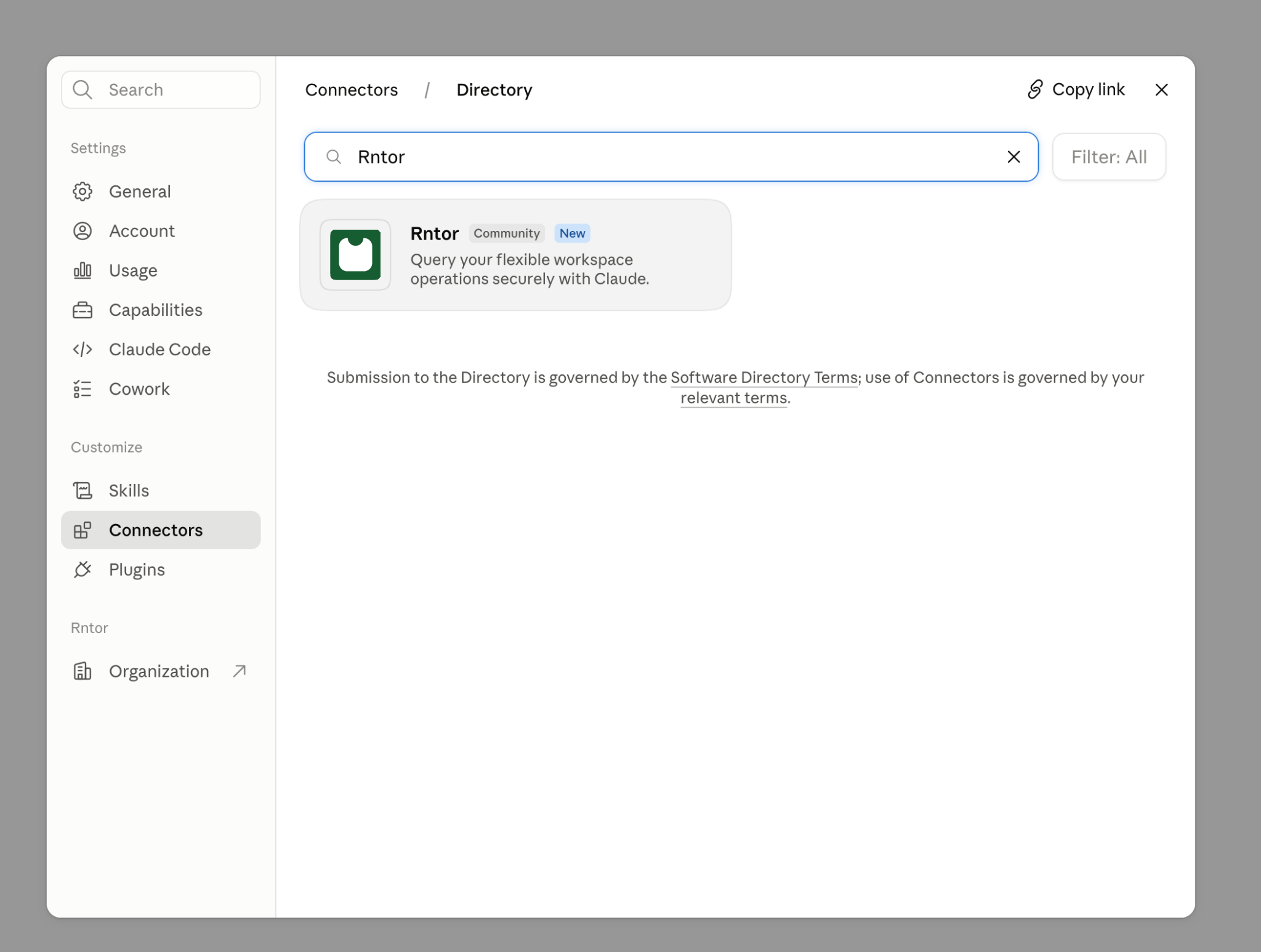
RNTOR in the Claude connector directory
2. Connect RNTOR
Select Connect or Connect for your team, depending on your Claude workspace.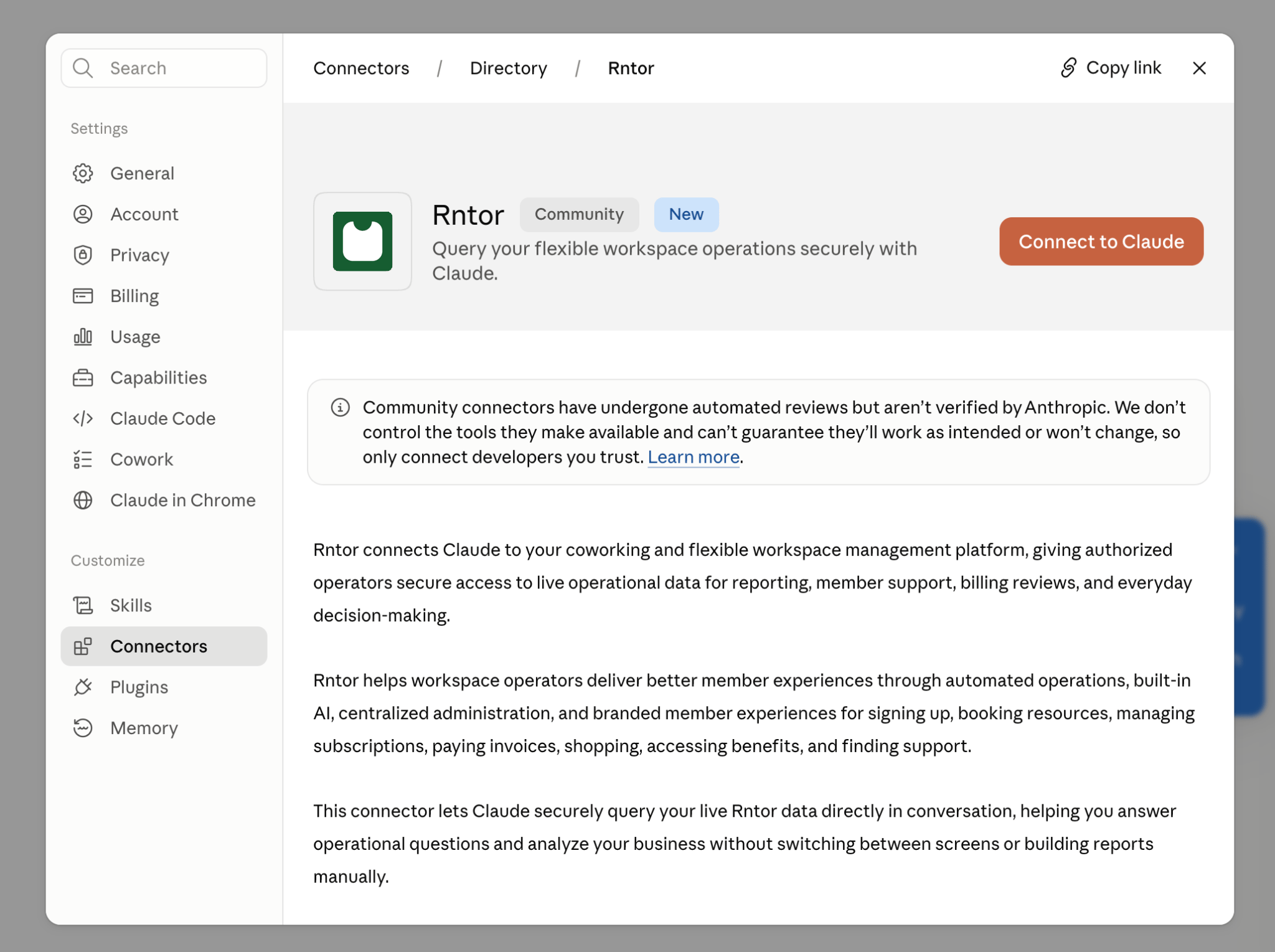
Connect RNTOR to Claude
3. Authorize your network
Sign in to RNTOR, choose the network you want Claude to access, and select Allow.4. Start asking
Open a Claude conversation and ask for the RNTOR information you need.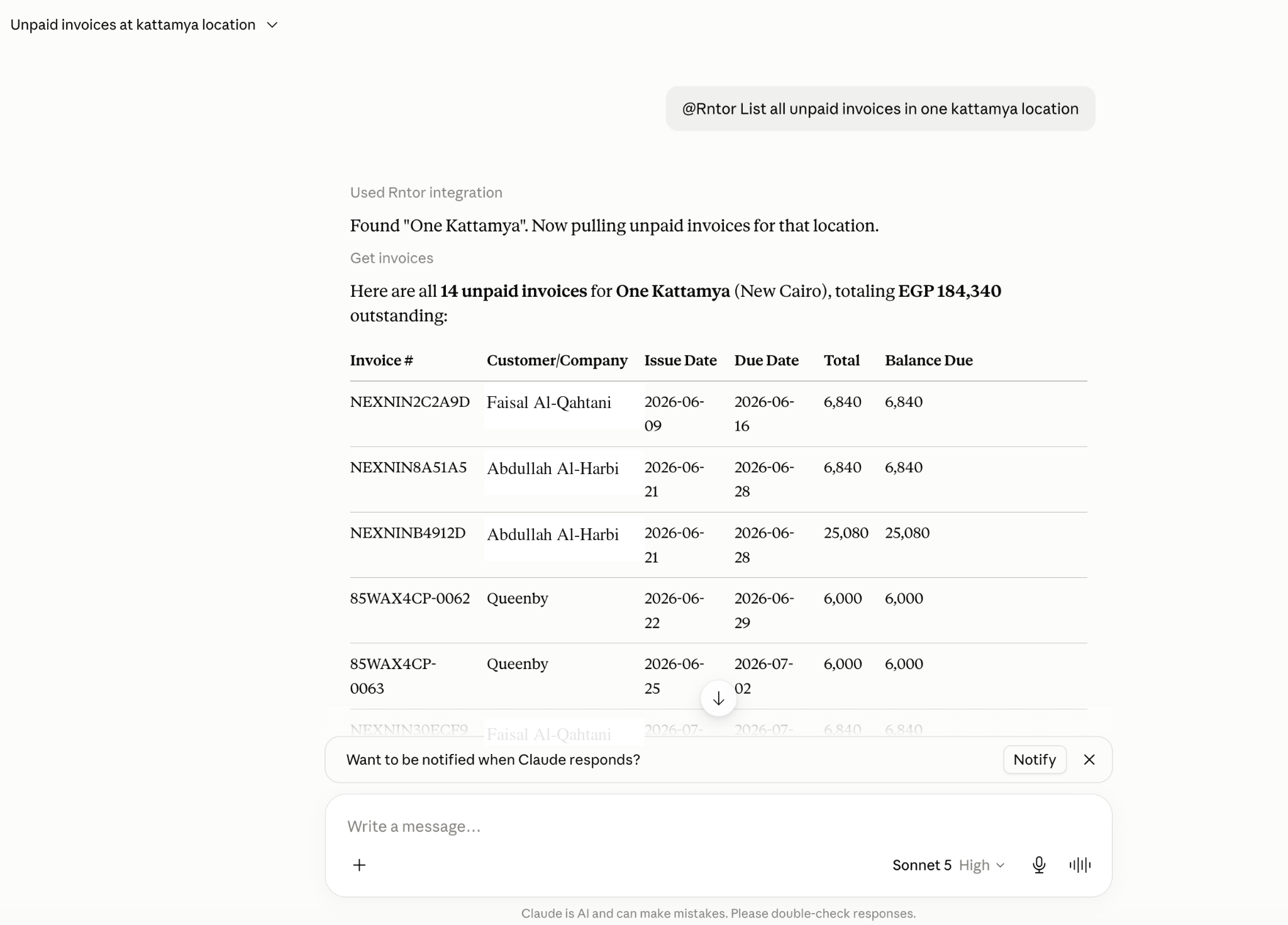
Ask Claude about unpaid invoices in RNTOR
What you can ask Claude
Ask Claude about:- Network and locations
- Members and companies
- Plans and subscriptions
- Resources and bookings
- Invoices and contracts
- Shop products and orders
- Benefits and applications
- Guides
- Combine several categories in one request, such as a member’s subscription, recent invoices, and bookings.
- Pass findings to other connectors, such as drafting reminder emails for overdue invoices.
Disconnect RNTOR from Claude
- Open Settings → Connectors in Claude.
- Find RNTOR in your connected services.
- Select Disconnect.