

- Open Noor AI and start a chat.
- Tell Noor AI what you want to achieve using one of these methods:
- To create from scratch: Ask Noor AI to create one or multiple resources, shop products, events, or benefits. Specify details like names, prices, visibility, dates, or schedules (e.g., exact dates or “every Tuesday from April to August”).
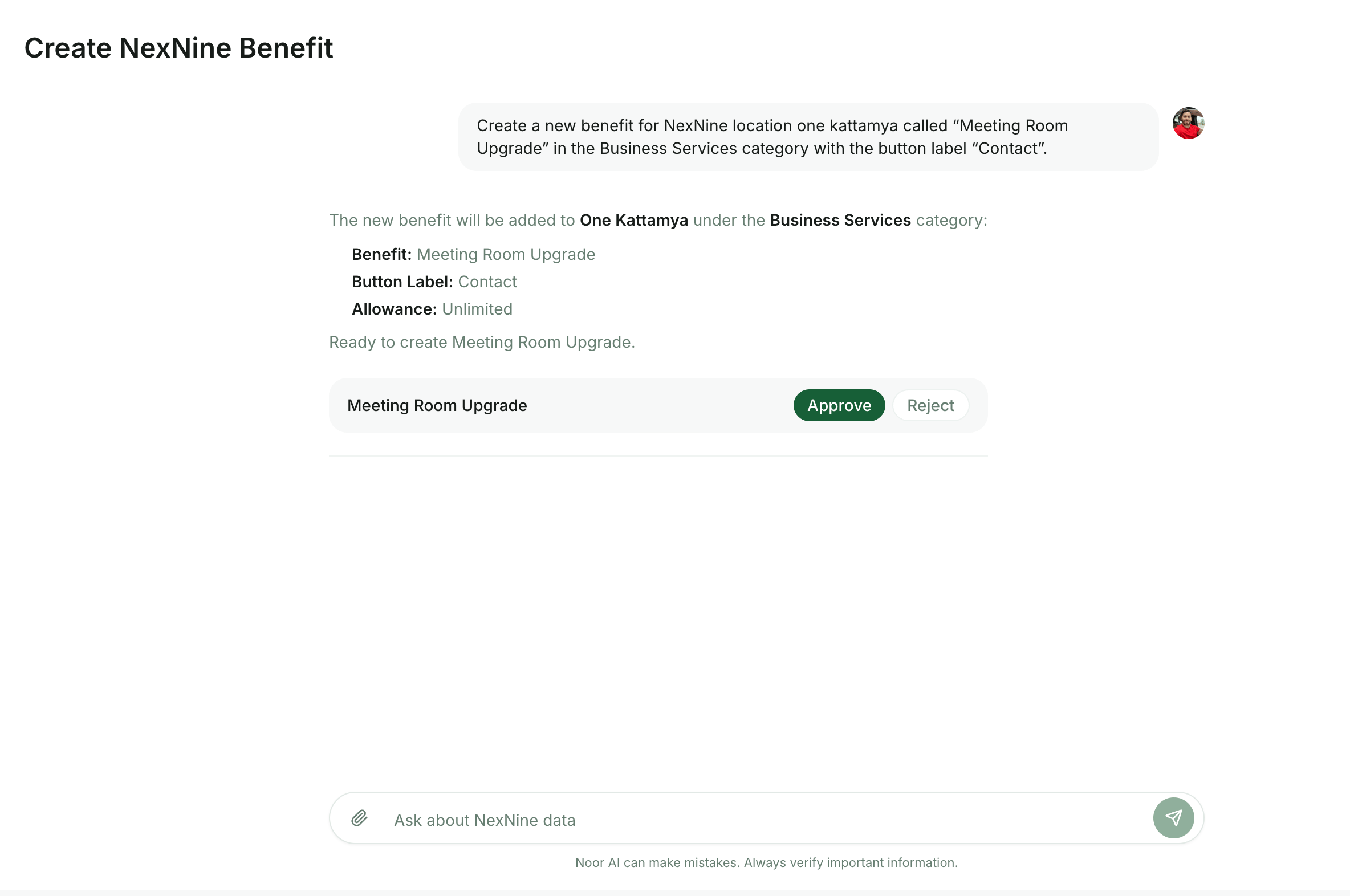
- To duplicate an existing item: Create one item manually first (e.g., a desk on the Desks page), then ask Noor AI to duplicate it. Specify how many duplicates you need, their new titles, and whether any specific settings should change or remain identical.
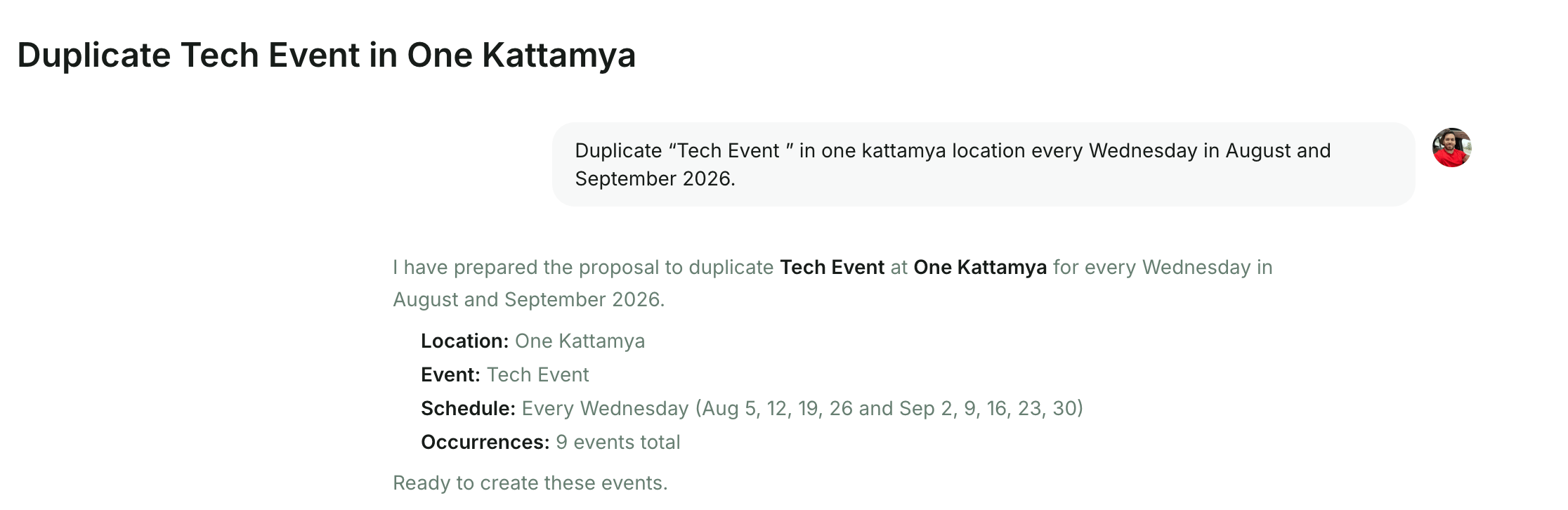
- To create from scratch: Ask Noor AI to create one or multiple resources, shop products, events, or benefits. Specify details like names, prices, visibility, dates, or schedules (e.g., exact dates or “every Tuesday from April to August”).
- Provide any additional settings or details Noor AI asks you for in the chat.
- Noor AI will prepare the items and list them for your review. Review each item, then click Approve or Reject.
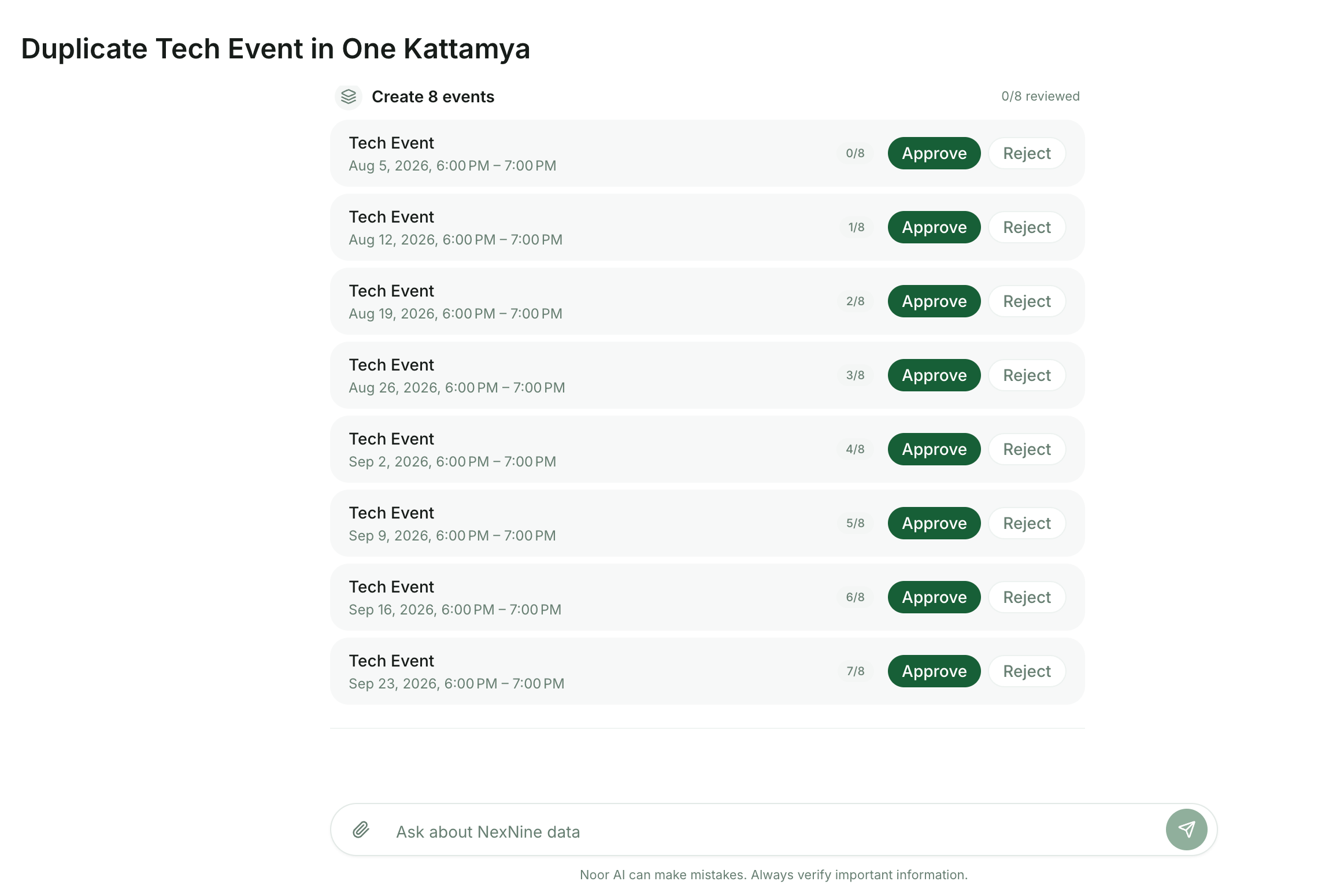
- Once confirmed, Noor AI will create all approved items and notify you in the chat.
AI & Agents
Bulk create resources, products, events, and benefits
Quickly create or duplicate resources, shop products, events, and benefits to save time on manual data entry with Noor AI.
Use Noor AI to handle high-volume content generation with ease.