Before managing custom tax rates, enable taxes for your location.
Set custom tax rate for plans
To set a different tax rate for a plan, enable Custom tax rate and set the rate in the Tax rate field when creating or editing a plan. 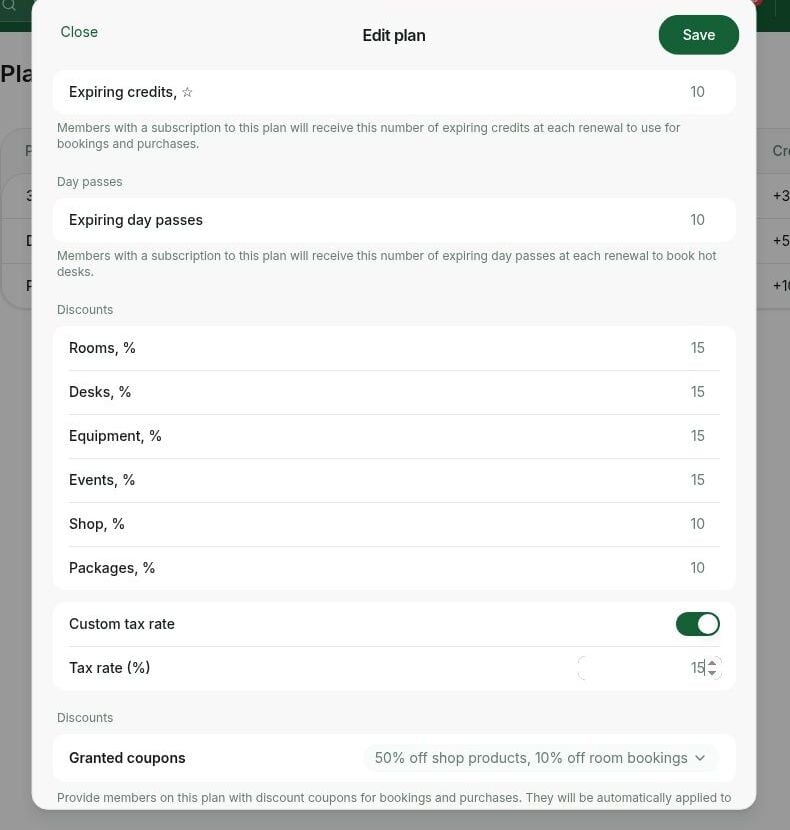
To disable tax for a particular plan, another resource, or service, set the tax rate to 0.
Set custom tax rate for subscription items
To set a different tax rate for certain members’ or companies’ subscriptions or subscription items, follow these steps:- Create or edit a subscription for the member or company.
- Select the necessary item in the subscription.
- Enable Custom tax rate in it and set the rate in the Tax rate field.
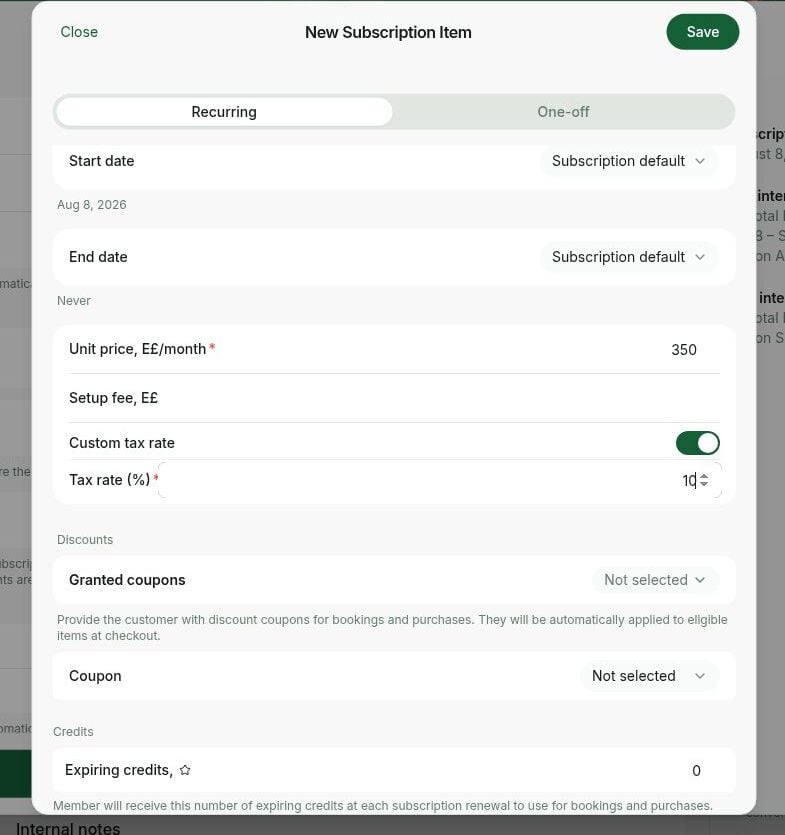
- If you need to set a different tax rate for the whole subscription, set a custom tax rate for each subscription item.
Set custom tax rate for invoice items
If you need to add some one-off invoice items with a different tax rate, do the following:- Go to RNTOR > Customers > select a user or a company > Billing > Invoices.
- Select an existing draft or upcoming invoice, or tap the Create invoice button top right to create a new one.
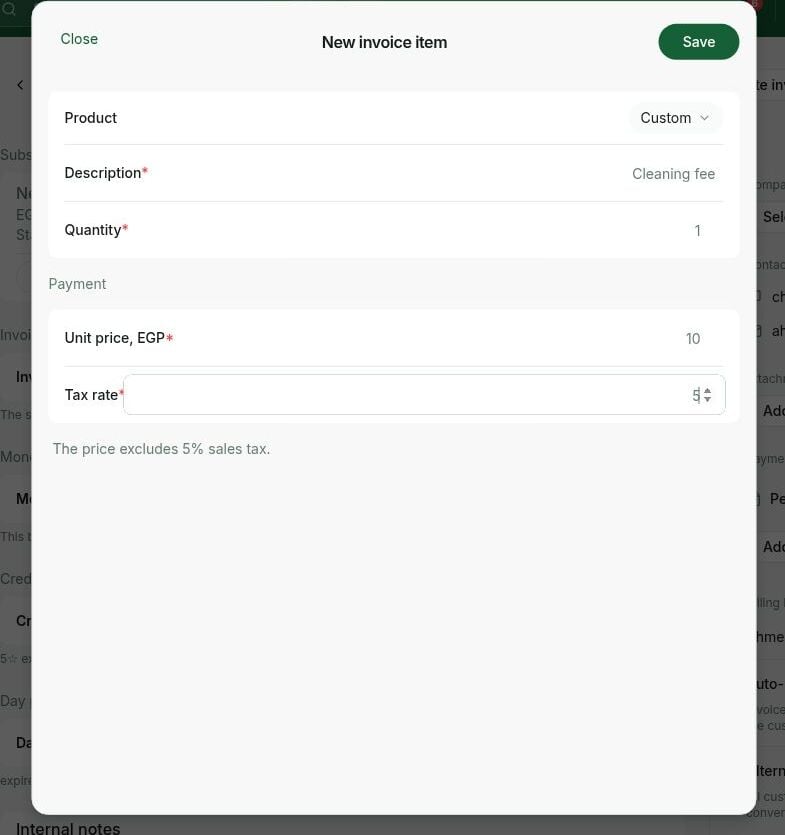
- Press Create item and fill in the Tax rate field > Create.
- Send the invoice by pressing Issue or charging it.
Set custom tax rate for shop products
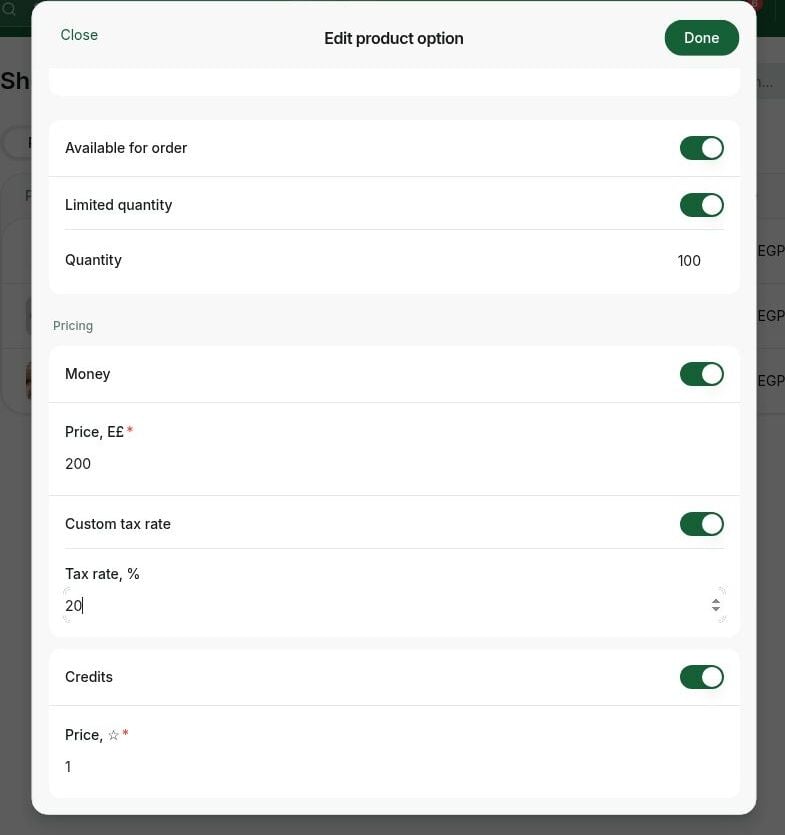
To set a different tax rate for some shop products, do the following:- Create or edit a product on the Shop page.
- Upon creating the product option, enable Custom tax rate and set the rate in the Tax rate field.