

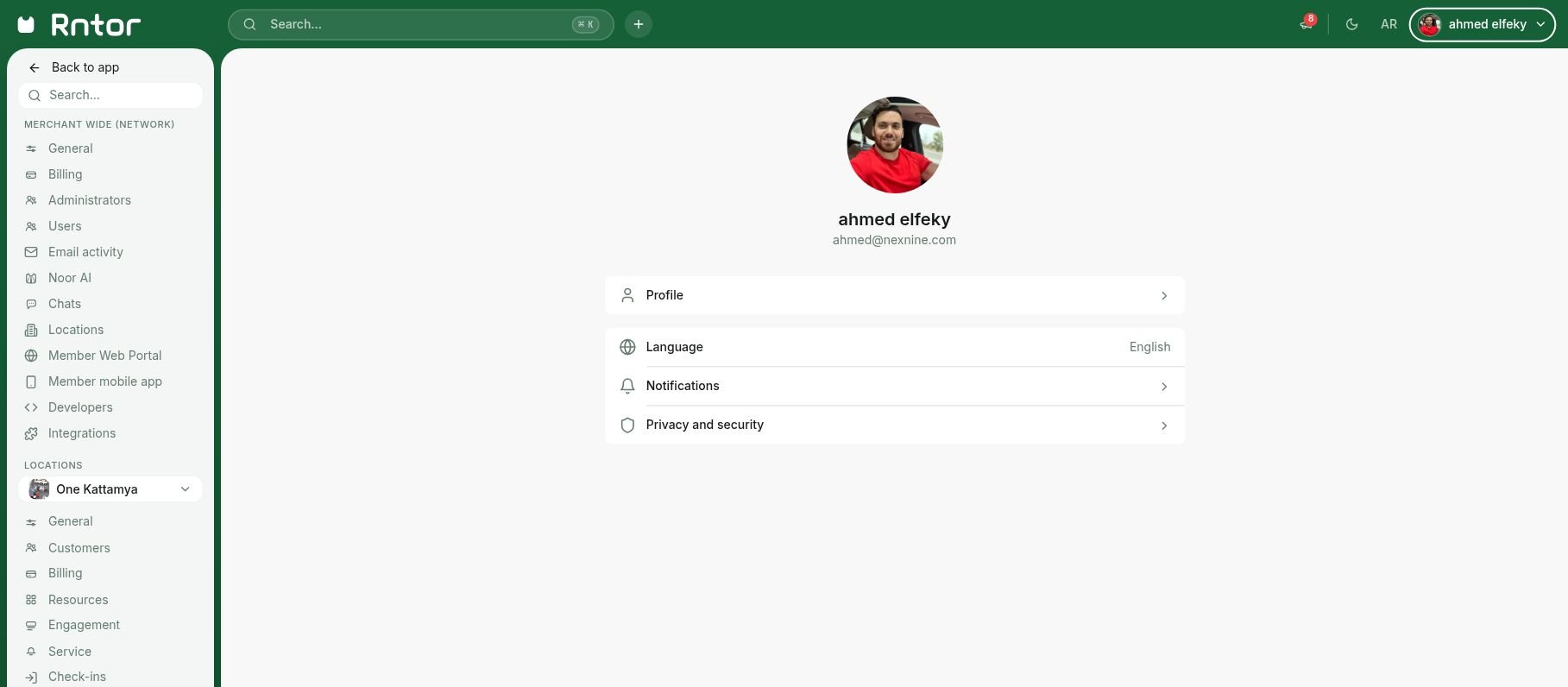
- Open your profile menu in the top bar and select My Profile.
- Select Language.
- Choose English or العربية. The change is saved when you select the language; close the language window to return to your account.
Learn how to change the language of your own RNTOR admin portal interface independently from the location’s default language