Customize welcome emails
By sending custom welcome emails and providing clear instructions from the start, you help members become self-sufficient, get the information they need to feel comfortable in your space, and reduce the time you spend answering basic questions.- For members you invite manually, go to Location Settings > Customers to customize the invitation email with your own text and details.
- For members who sign up independently:
- Log in to Zapier > create a new Zap.
- Choose RNTOR as your first step > Subscriptions purchased trigger, and set it up accordingly.
- As a second step, choose the “Send email” action by Gmail or another platform and configure your custom email.

Announce new members on Feed
Introduce new members with a post on the Feed page to build an engaging community. Acknowledging new members helps them feel welcomed and encourages them to start using the member portal to interact with others. Alternatively, create a weekly post introducing all new members to foster inclusion.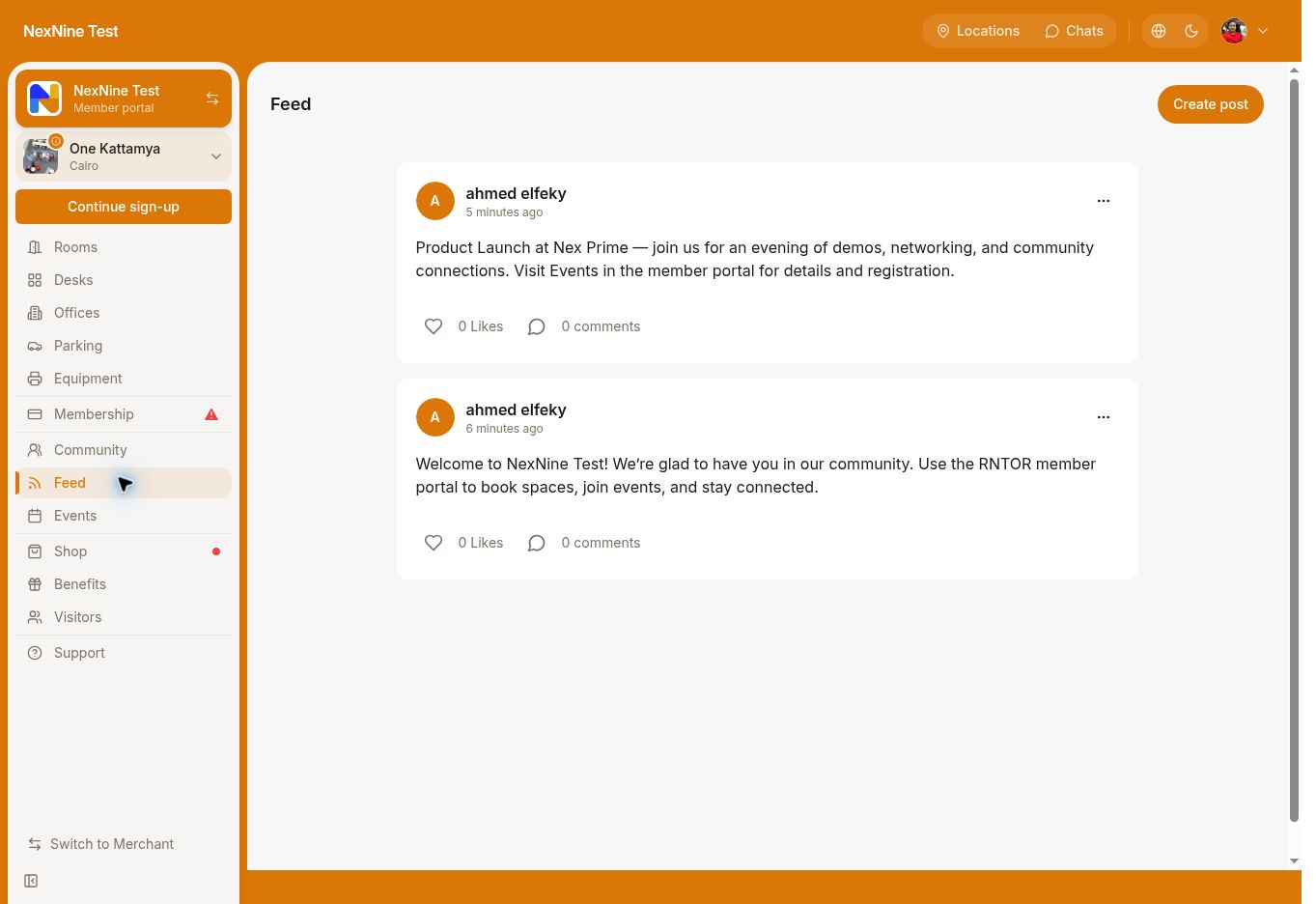
Assign a mentor
Pair new members with experienced ones who can guide them, answer questions, and facilitate introductions within the community. This personalized approach can significantly improve the member onboarding experience and helps new customers get more value from your services quickly.Offer promo codes for cross-location bookings
If you have multiple locations, give members promo codes to explore other locations. This not only adds value to their membership but also promotes engagement across your network.Follow up after the first month
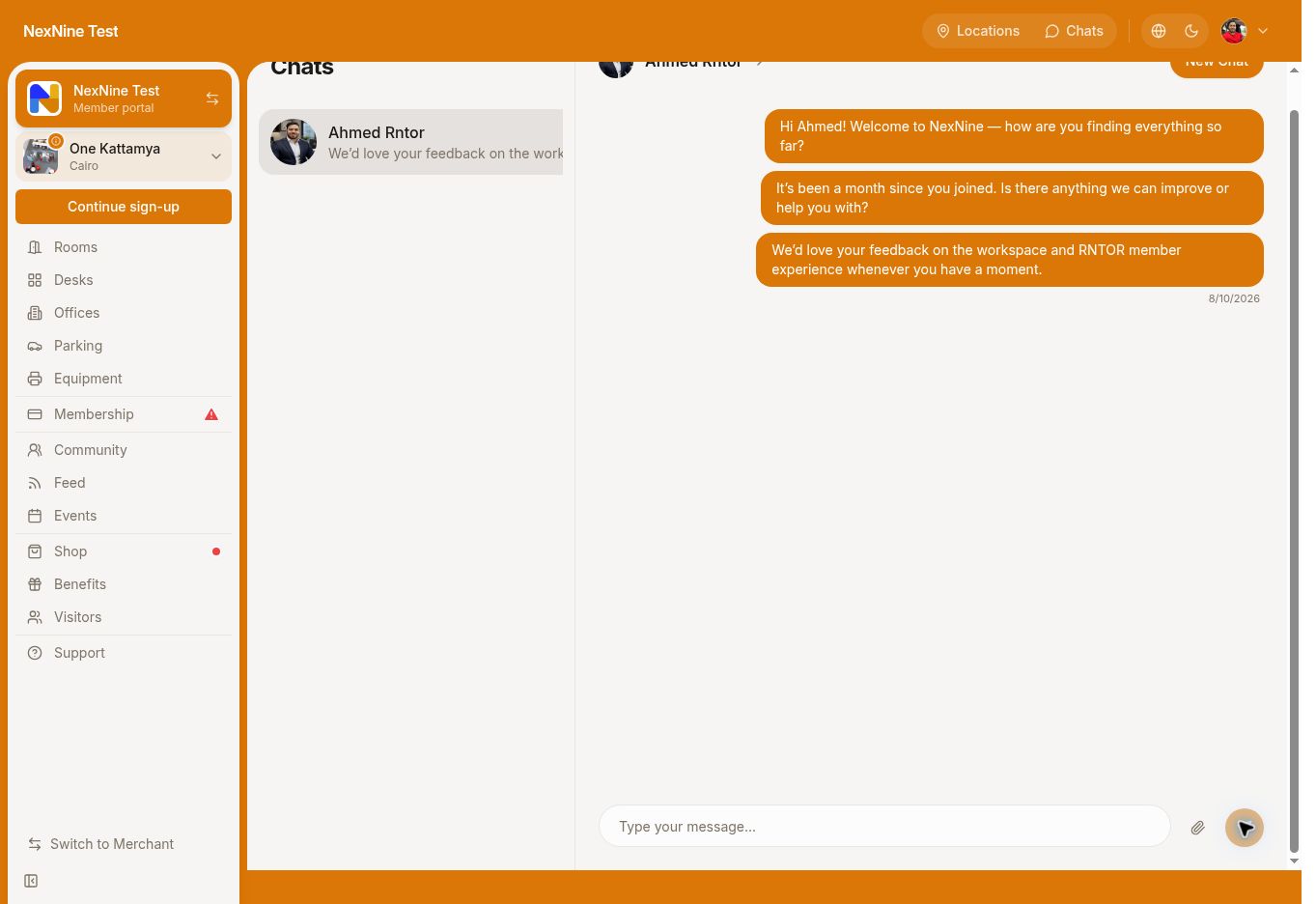
Reach out to new members after their first month to gather feedback on their experience. This demonstrates your commitment to continuously improving member service and helps identify areas where you can enhance the onboarding process.