

Prerequisites
A Rntor merchant account with owner permissions
Access to Settings → Developers in your dashboard
Step 1: Navigate to Developers
- Log in to your Rntor dashboard
- Go to Settings in the main navigation
- Select the Developers tab
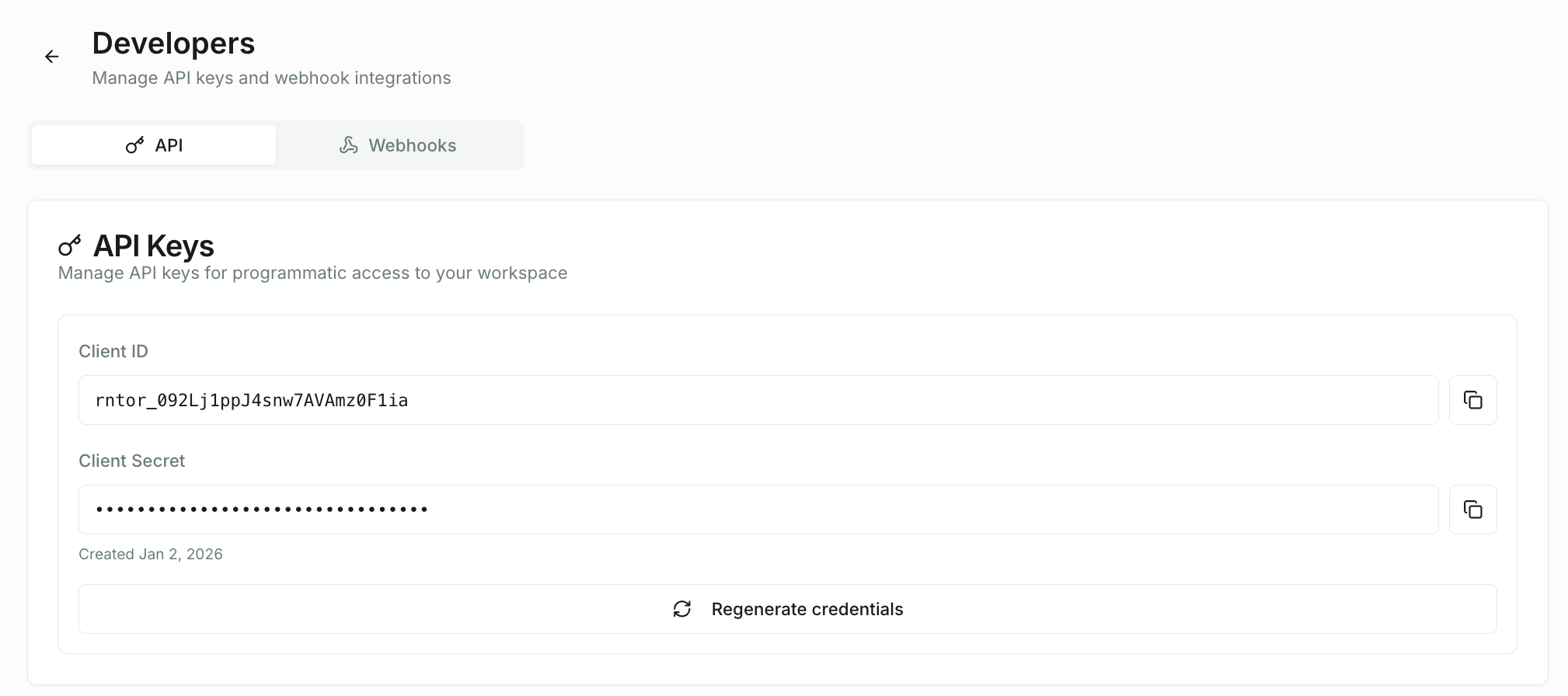
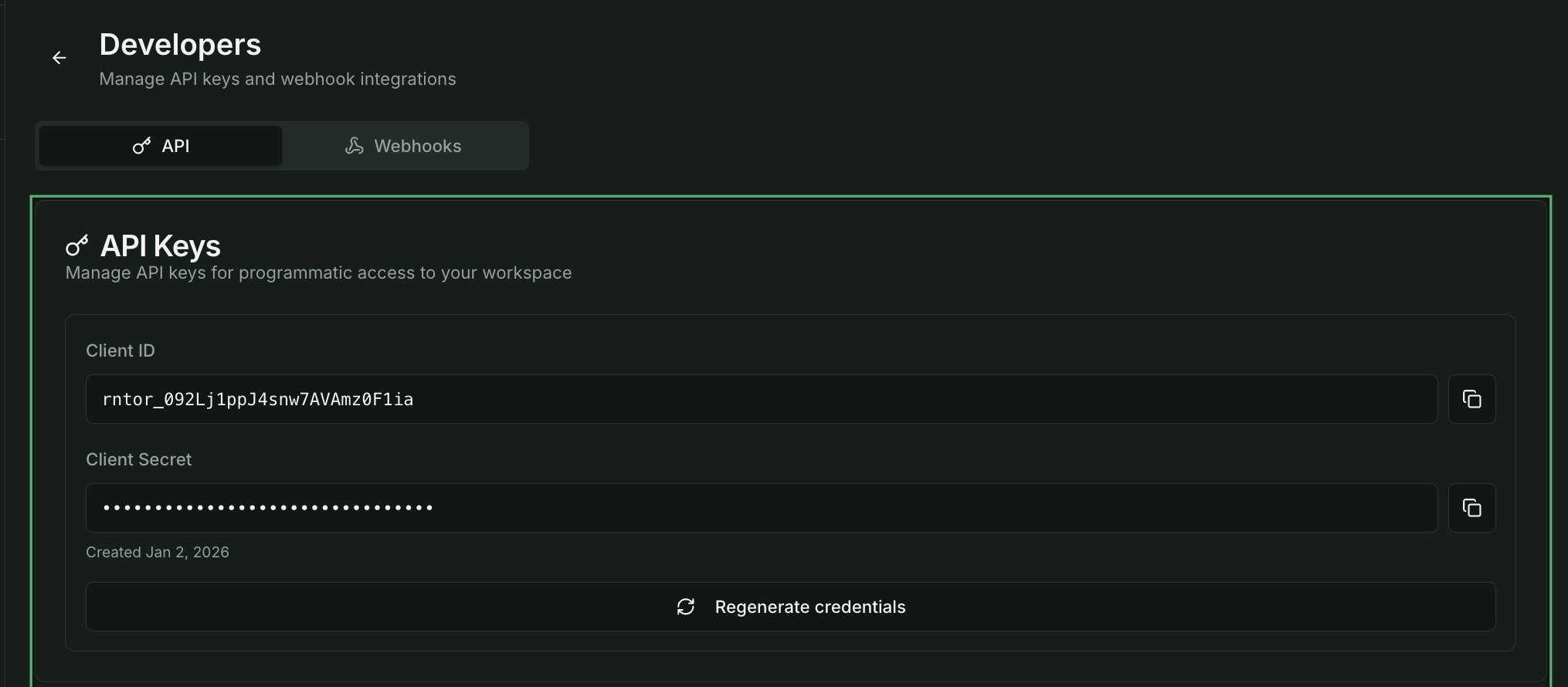
Step 2: Generate API Credentials
API keys are used to authenticate your integration. While the REST API is coming soon, generating credentials now prepares you for immediate access when it launches.- In the API Keys section, click Generate New Key
- Enter a descriptive name (e.g., “Production Integration” or “Zapier Connection”)
- Review the default scopes
- Click Generate
- Client ID:
rntor_followed by 24 characters (safe to store, used in requests) - Client Secret:
sk_followed by 40 characters (keep secret, used for authentication)
Example Credentials
Step 3: Set Up Webhook Endpoints
Webhooks let you receive real-time notifications when events occur in Rntor.- Switch to the Webhooks tab
- The Svix webhook portal will load
- Click Add Endpoint
- Enter your endpoint URL (must be HTTPS)
- Select which events to subscribe to
Testing Locally
For local development, use a tunneling service:Using ngrok
Step 4: Verify Your First Webhook
Once subscribed, trigger an event in Rntor (e.g., create a booking) and verify:- Your endpoint receives the POST request
- The payload contains the expected data
- Signature verification passes (see Security)
Example: Logging Received Webhooks
Next Steps
Webhook Security
Implement signature verification to secure your endpoints
API Authentication
Learn how to authenticate your API requests
Rate Limits
All API requests are rate limited to ensure platform stability:| Limit | Value |
|---|---|
| Requests per minute | 60 |
| Burst limit | 10 requests |
429 Too Many Requests response.