

What are webhooks?
Webhooks are a way for RNTOR to notify you about events that occur in your network. For example, when a booking is created, a webhook will be sent to your application.Steps to set up webhooks
1. Create your endpoint
In your application, you should create an endpoint that will receive the webhooks. This endpoint should receive POST requests and respond with a2xx status code.
2. Register the endpoint
Registering a webhook endpoint is accessible only to the owner of your RNTOR app. The owner can navigate to RNTOR > Select Network > Network settings > Developers. There you can manage all your webhooks.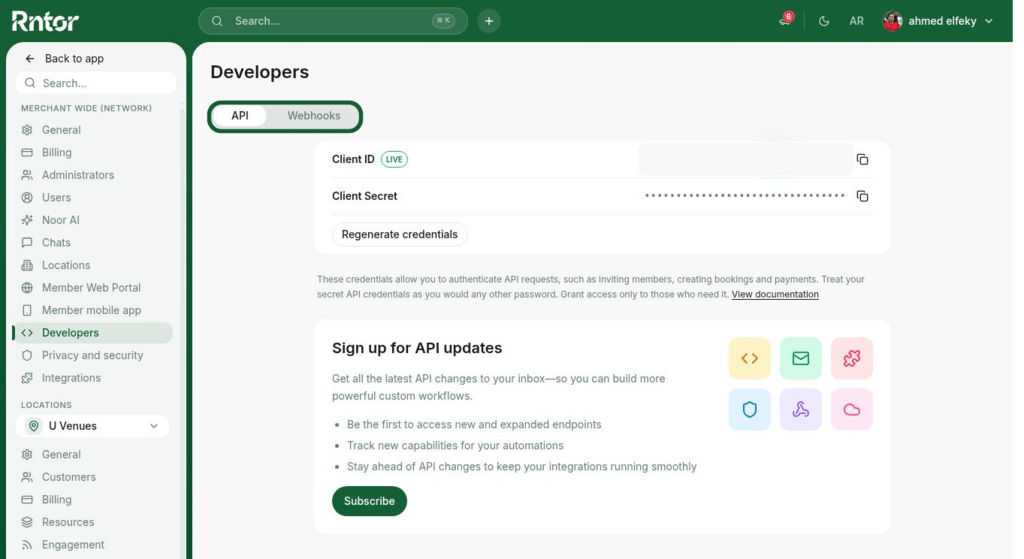
To register a webhook endpoint, you need to have the API & webhooks add-on enabled.