> ## Documentation Index
> Fetch the complete documentation index at: https://docs.rntor.com/docs/llms.txt
> Use this file to discover all available pages before exploring further.
# Benefits
> Understand how users apply for benefits
Users can apply for a benefit by following these steps:
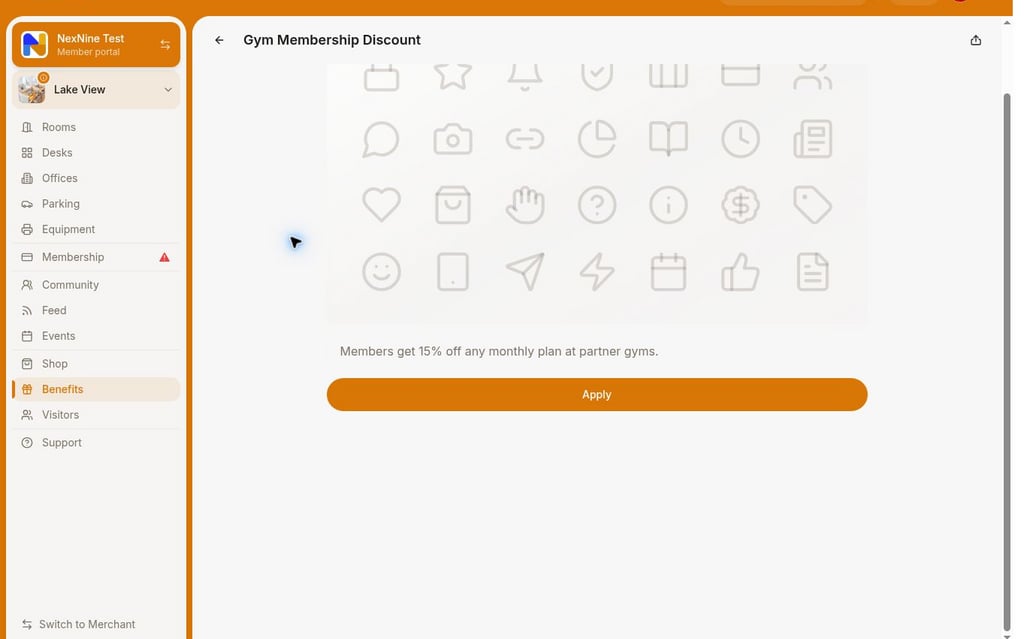
1. Go to **Locations** > **Benefits** > select the desired benefit and press **Apply**.
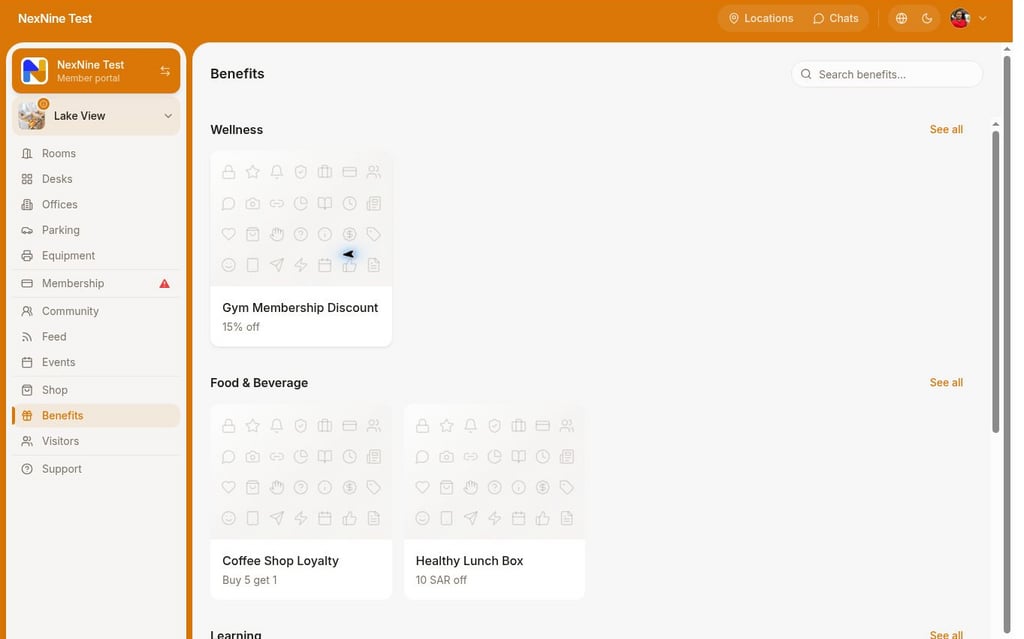 2. Type any additional details or questions inside the text field if necessary, and press `Submit`.
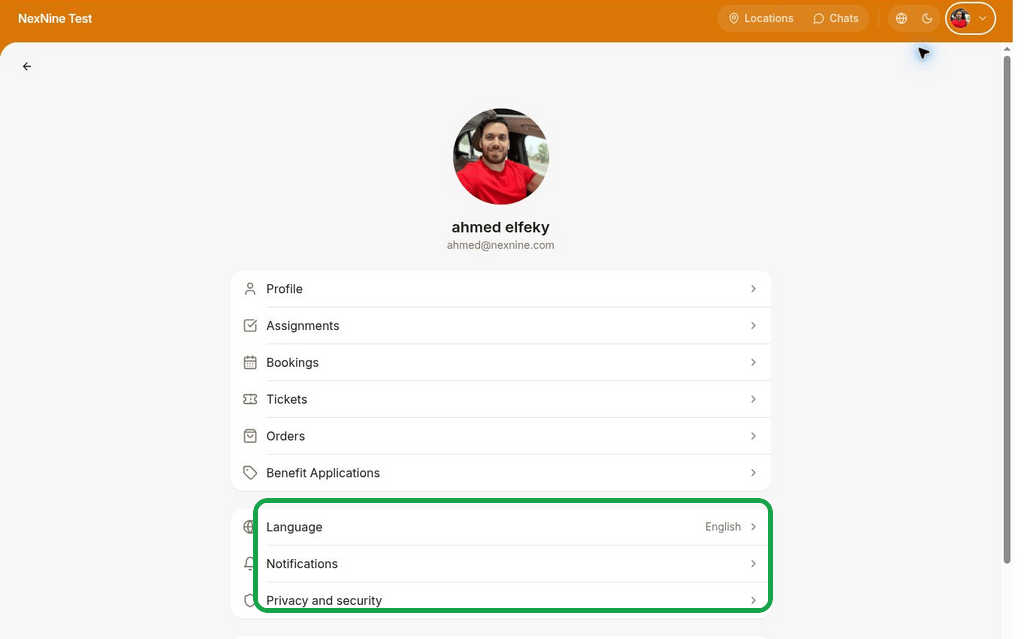
 Users can view their benefit application by going to the **Account** page (by pressing a button with your profile image, initials, or the user icon) > **Benefit applications**.
 **FAQs**
Benefits in each category are sorted by their update date, from the most recently updated to the oldest.
**FAQs**
Benefits in each category are sorted by their update date, from the most recently updated to the oldest.