> ## Documentation Index
> Fetch the complete documentation index at: https://docs.rntor.com/docs/llms.txt
> Use this file to discover all available pages before exploring further.
# حجز موقف سيارة
> احجز مكاناً لركن السيارة.
## إنشاء الحجز
افتح **المواقع** > **مواقف السيارات** واختر الموقف والتاريخ والوقت إذا كان الحجز بالساعة.
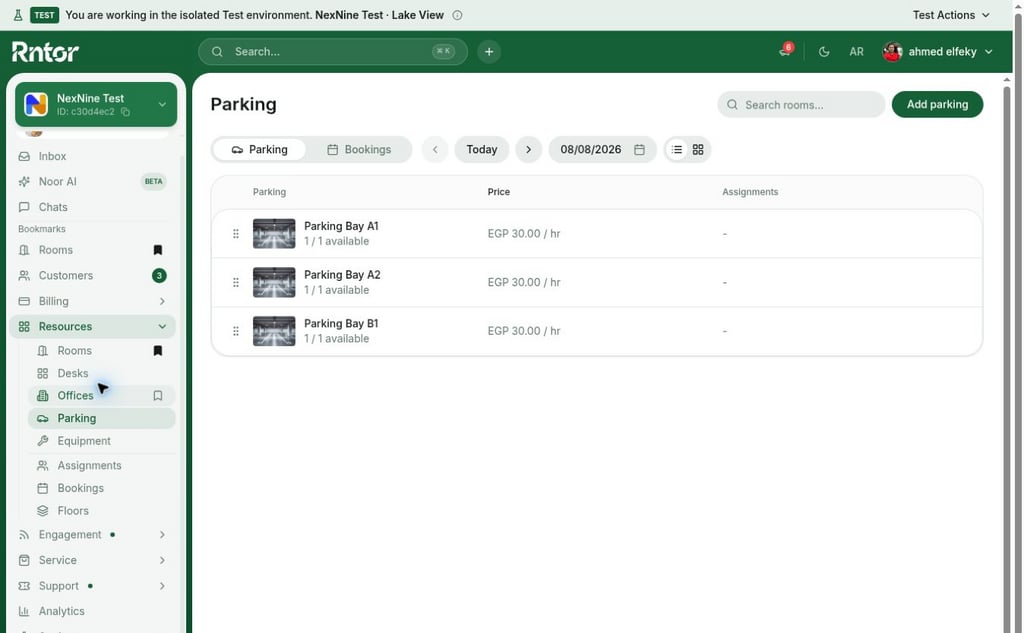 يمكن حجز وقت حالي أو مستقبلي متاح، ولا يسجل الحجز السابق إلا المسؤول.
للموقف المجاني بالكامل يمكن تعيين التكرار ونهايته بتاريخ أو دون نهاية أو بعد عدد مرات. للحجز المدفوع المتكرر ينشئ المسؤول [حجزًا متكررًا](/docs/ar/admin/resource-management/resources/manage-bookings).
يمكن حجز وقت حالي أو مستقبلي متاح، ولا يسجل الحجز السابق إلا المسؤول.
للموقف المجاني بالكامل يمكن تعيين التكرار ونهايته بتاريخ أو دون نهاية أو بعد عدد مرات. للحجز المدفوع المتكرر ينشئ المسؤول [حجزًا متكررًا](/docs/ar/admin/resource-management/resources/manage-bookings).
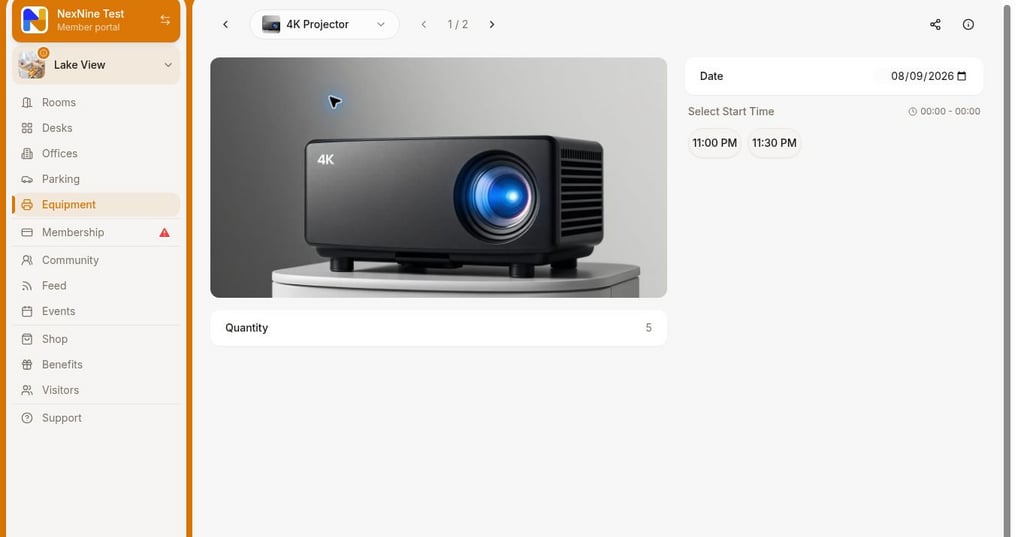 اضبط الحجز بالساعة أو باليوم عبر [الحدين الأدنى والأقصى وخطوة التوفر](/docs/ar/admin/resource-management/resources/set-up-resources).
في النموذج اختر صاحب الحجز — للمسؤول و[مدير الشركة](/docs/ar/admin/customer-management/companies/company-members-and-managers) — والملاحظة و[طريقة الدفع](/docs/ar/admin/billing/payments/payment-methods). يُحسب السعر من [شرائح السعر](/docs/ar/admin/resource-management/resources/set-up-pricing)، وتظهر بيانات الشركة والضريبة وفق [إعداد الفوترة](/docs/ar/admin/customer-management/billing-details).
يستطيع مدير الشركة الحجز لأعضائها برصيد الشركة أو فاتورتها، ويختار إرسال إشعار للمستخدم.
اضبط الحجز بالساعة أو باليوم عبر [الحدين الأدنى والأقصى وخطوة التوفر](/docs/ar/admin/resource-management/resources/set-up-resources).
في النموذج اختر صاحب الحجز — للمسؤول و[مدير الشركة](/docs/ar/admin/customer-management/companies/company-members-and-managers) — والملاحظة و[طريقة الدفع](/docs/ar/admin/billing/payments/payment-methods). يُحسب السعر من [شرائح السعر](/docs/ar/admin/resource-management/resources/set-up-pricing)، وتظهر بيانات الشركة والضريبة وفق [إعداد الفوترة](/docs/ar/admin/customer-management/billing-details).
يستطيع مدير الشركة الحجز لأعضائها برصيد الشركة أو فاتورتها، ويختار إرسال إشعار للمستخدم.
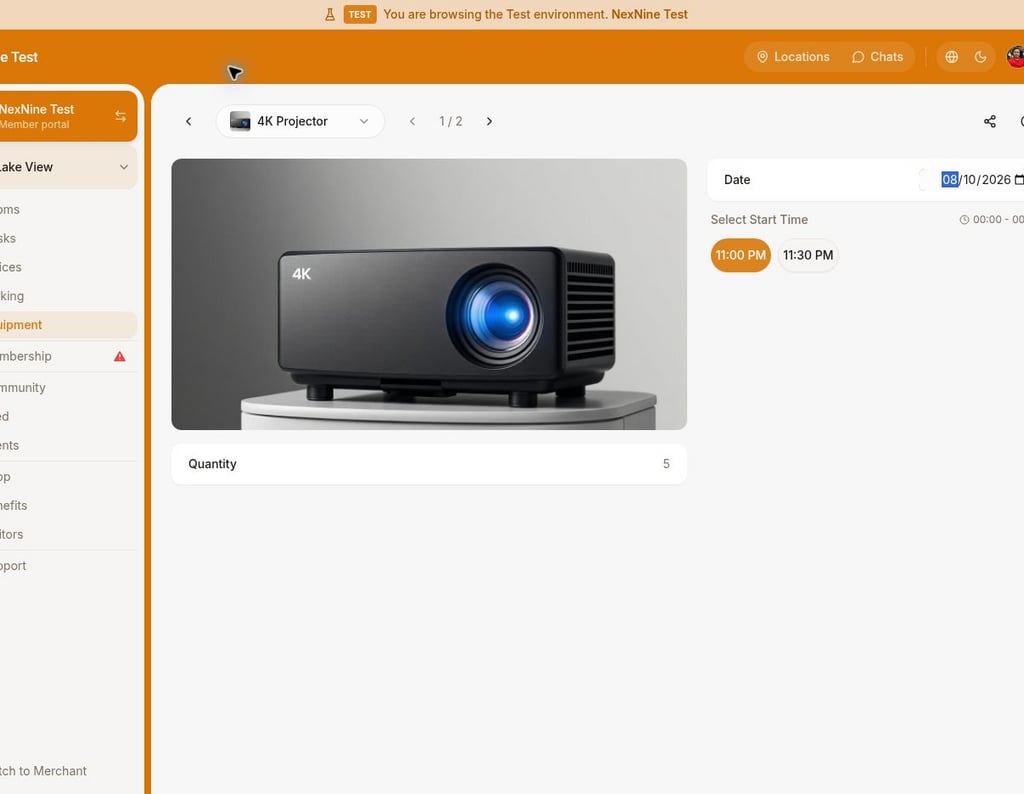 يمكن إضافة الحجز إلى Google أو Outlook، ويفتح التطبيق تقويم الجهاز.
 يمكن حجز موقف واحد فقط في المرة.
للإيجار الطويل، اربط [خططًا مناسبة](/docs/ar/admin/billing/plans/immediate-plan-sign-ups) أو [أسند الموقف](/docs/ar/admin/resource-management/resources/manage-resource-rentals-with-assignments) إلى عضو أو شركة.
## عرض الحجز وإدارته
يظهر في **الحساب** > **الحجوزات**، و**المواقف** > **الحجوزات**، وشريط المواقع، وتصل [تذكيرات](/docs/ar/member/account/notifications).
يمكن حجز موقف واحد فقط في المرة.
للإيجار الطويل، اربط [خططًا مناسبة](/docs/ar/admin/billing/plans/immediate-plan-sign-ups) أو [أسند الموقف](/docs/ar/admin/resource-management/resources/manage-resource-rentals-with-assignments) إلى عضو أو شركة.
## عرض الحجز وإدارته
يظهر في **الحساب** > **الحجوزات**، و**المواقف** > **الحجوزات**، وشريط المواقع، وتصل [تذكيرات](/docs/ar/member/account/notifications).
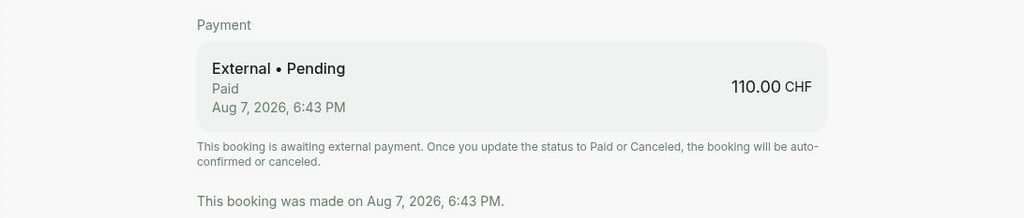
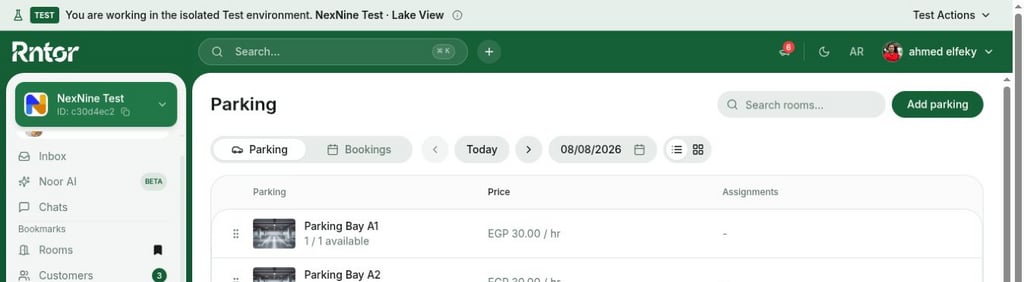 افتح الحجز واضغط **تعديل** أو **إلغاء** أو **إضافة إلى التقويم**. [إدارة الحجوزات](/docs/ar/admin/resource-management/resources/manage-bookings)
 تظهر المسندة إلى العميل أولًا، ثم التي بها أماكن متاحة، ثم أبجديًا وحسب تاريخ الإنشاء من الأقدم.