> ## Documentation Index
> Fetch the complete documentation index at: https://docs.rntor.com/docs/llms.txt
> Use this file to discover all available pages before exploring further.
# Requests to join
Public users can request to join the location as a member, and administrators can approve or reject their requests.
## Configure requests to join
1. Log in to RNTOR.
2. Navigate to the **Location settings** by pressing menu (…) near the location name > **Customers** page.
3. Manage the "Request to join" switch:
* If enabled, public users will see the "Request to join" button and can submit requests.
* If disabled, the "Request to join" button will not appear.
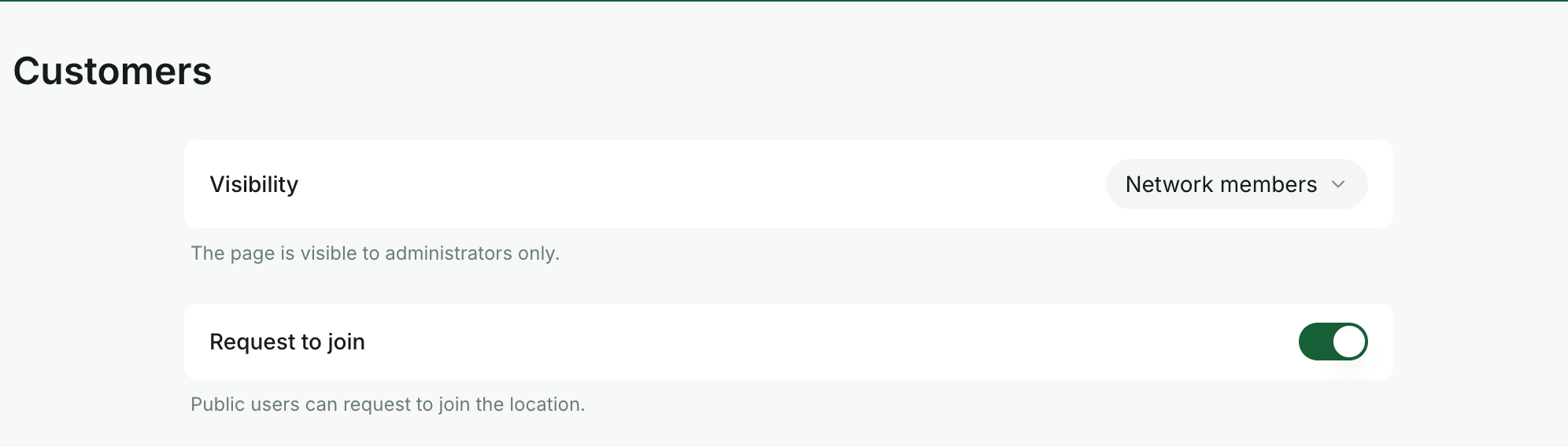 If you have multiple locations, you can enable "Request to join" for some locations and disable it for others. The "Request to join" button will show up if enabled for at least one location. Users will see only the locations available for requests in the "Location" dropdown.
## How users request to join
1. Public users and nonmembers who open and [log in](/docs/member/onboarding) to the member web portal or mobile apps can see the `Request to join` button in the top right corner of the **Locations** page.
If you have multiple locations, you can enable "Request to join" for some locations and disable it for others. The "Request to join" button will show up if enabled for at least one location. Users will see only the locations available for requests in the "Location" dropdown.
## How users request to join
1. Public users and nonmembers who open and [log in](/docs/member/onboarding) to the member web portal or mobile apps can see the `Request to join` button in the top right corner of the **Locations** page.
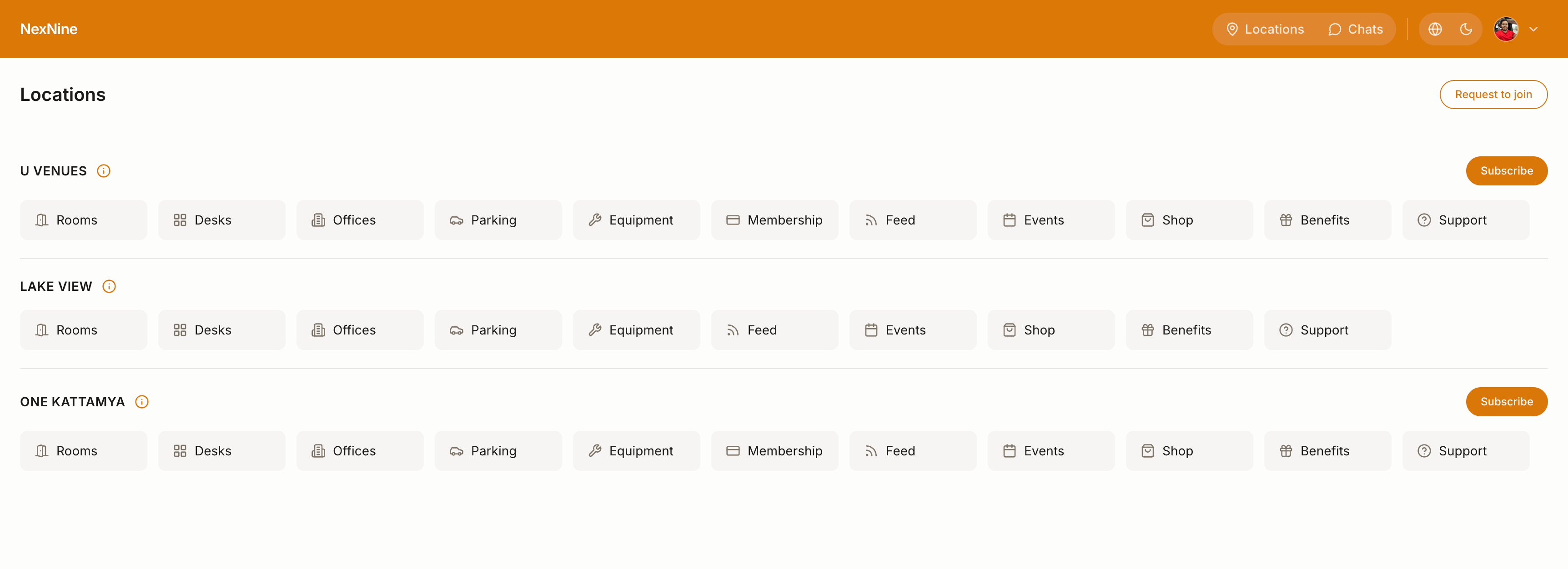 The `Request to join` button is only visible to users who are not members yet at any of your locations.
2. Pressing the button opens a dialog window to capture more information about the user and their request, such as full name, location of interest, and self-introduction.
The `Request to join` button is only visible to users who are not members yet at any of your locations.
2. Pressing the button opens a dialog window to capture more information about the user and their request, such as full name, location of interest, and self-introduction.
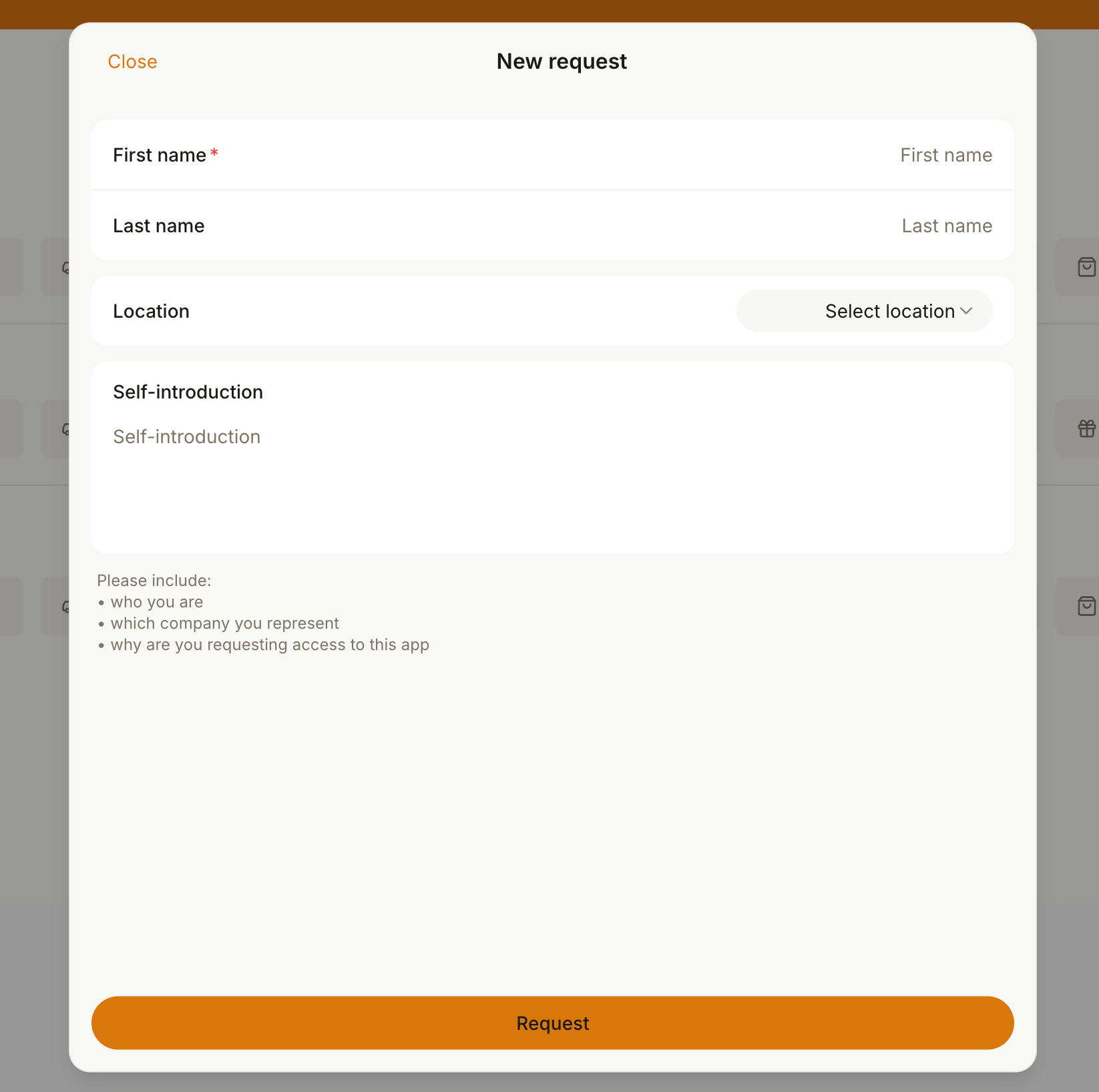 3. When users press `Request`, a notification is sent to all location administrators.
## How administrators manage requests to join
1. Administrators go to [RNTOR](https://app.rntor.com/\{merchantSlug}/locations/\{locationId}/settings/customers) > **Customers** > **Requests** tab to review and resolve all join requests.
3. When users press `Request`, a notification is sent to all location administrators.
## How administrators manage requests to join
1. Administrators go to [RNTOR](https://app.rntor.com/\{merchantSlug}/locations/\{locationId}/settings/customers) > **Customers** > **Requests** tab to review and resolve all join requests.
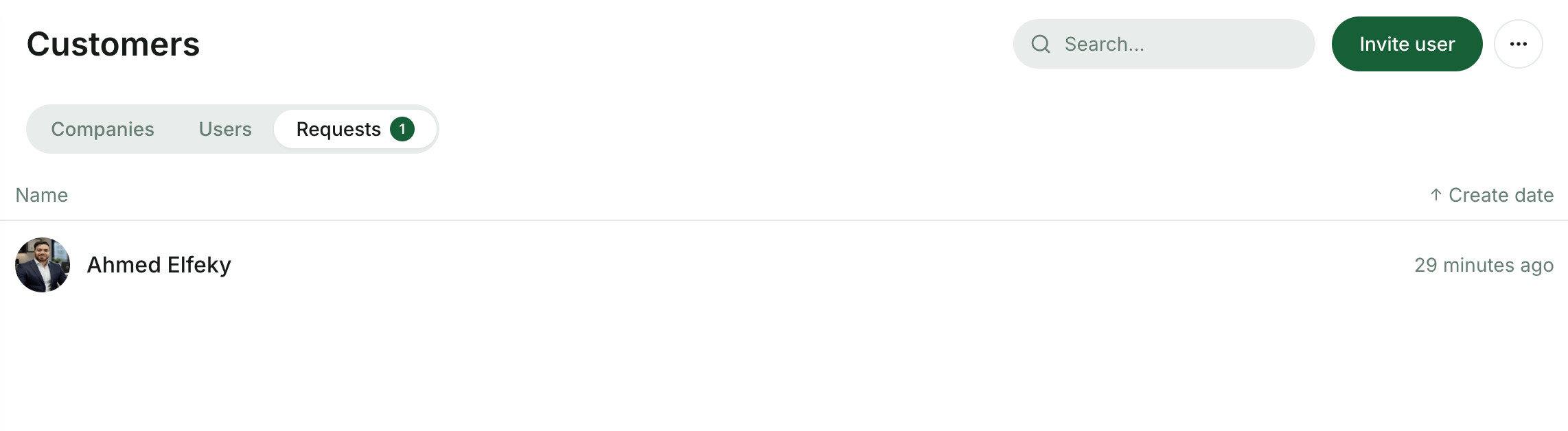 2. Administrators open the request and approve or reject it.
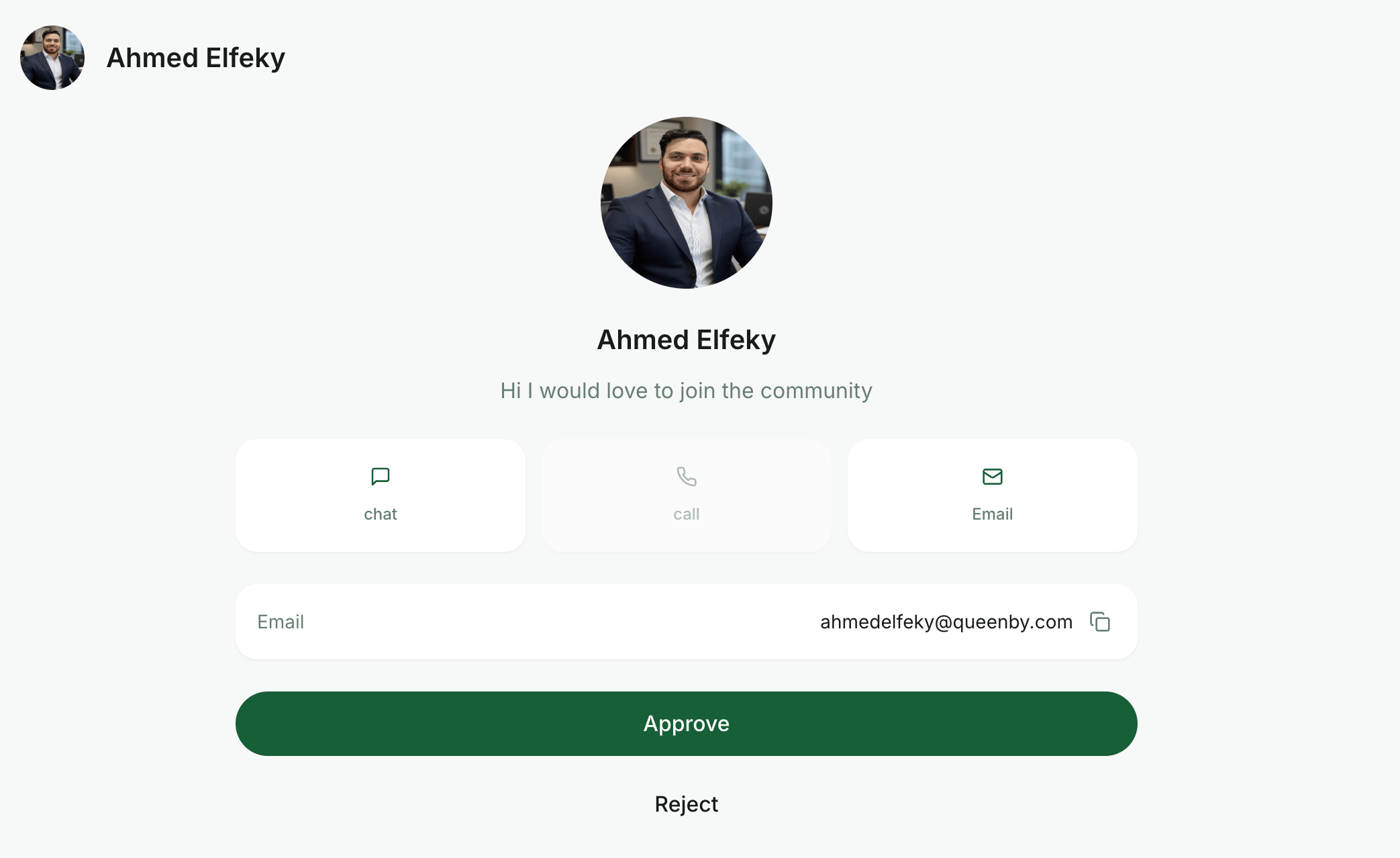 3. The user gets a notification about approval or rejection.
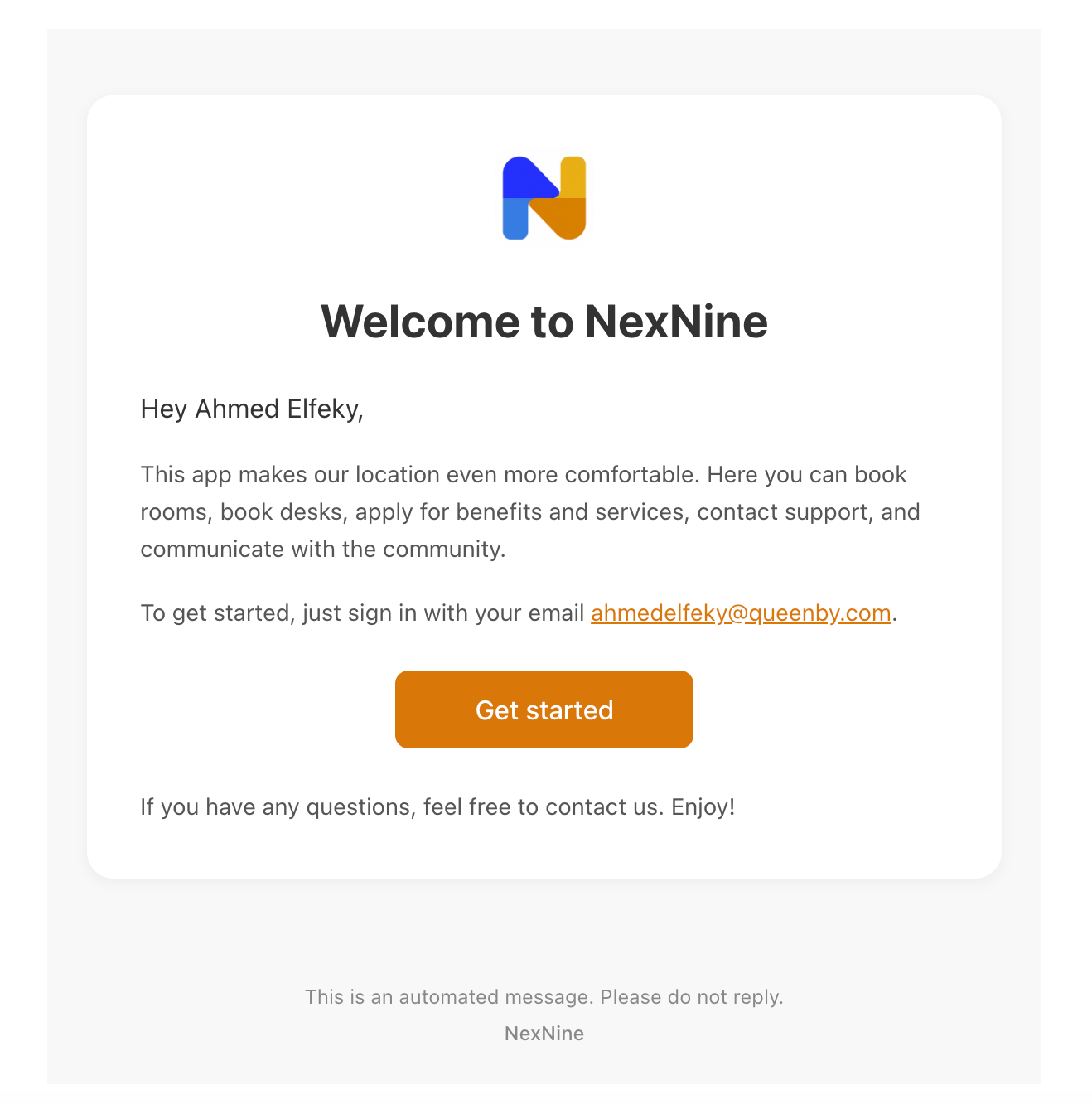 4. If the request is approved, the user becomes a member of your location and can have all member's perks. [Understand user roles](/docs/admin/customer-management/users/user-roles)